On this page
Archive: this test has ended
This guide describes the WARDOGS Playtest client used for the closed betas in August and early September 2026. Early Access launched on 10 September 2026 through the main WARDOGS Steam app, so the Playtest entry, the Request Access lottery and the beta dates below are history. The system requirements and the anti-cheat notes still apply — check the Steam page for the current install size; the “about 50 GB” figure was free-space advice for the beta client, not the download size.
The WARDOGS closed beta doesn’t show up in your regular Steam library because it isn’t the same install as the full game — it runs through a separate app called WARDOGS Playtest, which you have to find and install on its own. This guide covers exactly how to get into that client, what your PC needs to run it, what the kernel-level anti-cheat actually means for your machine, and how the current window lines up against next month’s Early Access launch.
TL;DR
- The beta lives in a separate app, WARDOGS Playtest — search for it directly in your Steam Library, don’t look for “WARDOGS“
- Pre-ordering the standard edition guarantees beta access; Steam’s Request Access button is a lottery, not a queue
- Clear about 50 GB of disk space; minimum is a GTX 1660 or RX 590 for 1080p60 with upscaling, recommended is an RTX 3070 with 16 GB RAM
- Anti-cheat is Easy Anti-Cheat running at kernel level — that’s a real decision, not a formality
- The beta runs through August 23 at 20:00 PDT; Early Access follows on September 10
Account Level Boost
Your overall WARDOG (Career) level raised from where it is to the number you pick — the Season…
What Is WARDOGS Playtest and Why Isn't the Beta in My Library?
WARDOGS Playtest is a standalone Steam listing that BULKHEAD uses specifically for test builds, separate from the main WARDOGS store page. If you were expecting the beta to just unlock inside the game you already have wishlisted or pre-ordered, that’s the first snag — it doesn’t. You have to go find the Playtest client yourself and install it as if it were its own game. This is a common pattern for closed tests on Steam and it’s exactly why players search their library, see nothing, and assume they weren’t picked when the access is actually there under a different name.
There are two ways to get into that Playtest build, and they are not equivalent. Only one of them is a guarantee.
You don’t need the pricier Supporter tier to get in — the standard edition is enough to guarantee a seat. Request Access, by contrast, is a free chance at a spot, and BULKHEAD has never described it as first-come-first-served. Treat it as a raffle, not a line.
| Access route | What it actually gets you | Cost |
|---|---|---|
| Pre-order (standard edition) | Guaranteed beta access — no selection process | Price of the standard edition |
| Request Access on the Steam Playtest page | Entry into a selection pool, not a confirmed slot | Free |
Anyone who would rather not spend the evenings on it can hand WARDOGS boosting to our crew instead — same account, same progress, played by hand.
Step-by-Step: Installing the WARDOGS Playtest Client
Follow this sequence to get it done fast.
-
1
Confirm you have access
check your Steam account for either a pre-order confirmation email or a Request Access approval before you start looking for the client.
-
2
Search "WARDOGS Playtest" directly
do not search "WARDOGS," it will not surface the test build; the Playtest listing is a separate Steam page.
-
3
Add it to your library
hit the button on the Playtest page itself, the same way you'd wishlist or add any other free listing.
-
4
Install through your Steam Library
it will now appear as its own entry, separate from the main WARDOGS store listing you may have pre-ordered.
-
5
Clear roughly 50 GB before you queue the download
starting the install without checking free space first is the easiest way to stall it partway through.
WARDOGS System Requirements: Minimum vs Recommended
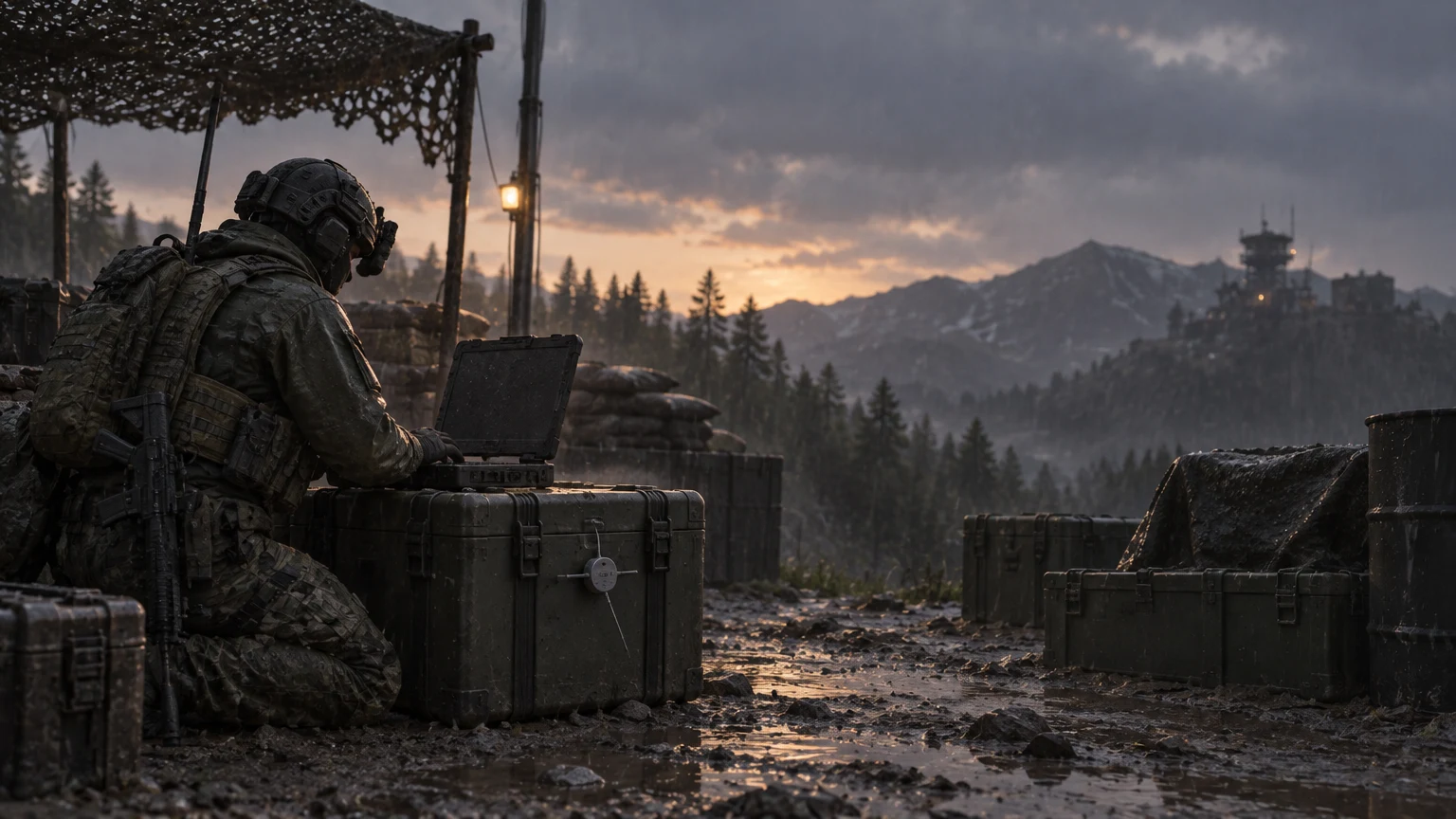
The published minimum target is a GTX 1660 or RX 590, aimed at 1080p and 60fps with upscaling turned on — meaning the baseline experience already leans on DLSS/FSR-style reconstruction rather than native resolution. The recommended tier steps up to an RTX 3070 with 16 GB of system RAM. Storage sits at about 50 GB, which is a meaningful chunk to clear on an SSD before the window even opens, especially if you’re doing it the morning of.
Where those minimum-spec numbers get tested hardest is the same place every large-scale shooter struggles: when all three teams converge on the same 2×2 km square and destruction starts tearing up the environment. That’s the moment to watch your frame counter, not the quiet edges of the map. The mechanic behind that contested square — a single moving Control Zone rather than fixed objectives — is covered in more depth in the breakdown of how WARDOGS’ three-team structure works.
On the actual time cost: the closed beta window runs from 11:00 PDT on August 21 through 20:00 PDT on August 23 — a fixed roughly 57-hour stretch. A 50 GB download on a slow connection, plus driver updates and a first-time Easy Anti-Cheat install, can eat a real chunk of that before you’ve queued for your first match, so getting the client installed ahead of the window matters more than it sounds.
Tip
Install WARDOGS Playtest and let the roughly 50 GB download finish well before the window opens. There’s no confirmed preload period, so treat “early” as “as soon as your access is confirmed,” not “the morning of.”
| Spec | Minimum | Recommended |
|---|---|---|
| CPU | Core i5 8600 or Ryzen 5 3500 | Core i7 12700k or Ryzen 7 5700x |
| GPU | GTX 1660 or RX 590 | RTX 3070 or RX 6700 XT |
| RAM | 16 GB | 16 GB — the same on both tiers |
| Storage | 50 GB free | 50 GB free |
| What Steam targets | 1080p Low @ 60fps, upscaled | 1440p Medium @ 70fps+ native, or 4K Medium @ 60fps+ upscaled |
| OS | Windows 10 | Windows 11 |
These are the figures Steam itself lists on the WARDOGS store page, not estimates. Two of them are worth reading twice: 16 GB of RAM sits in the minimum column, not just the recommended one, so 8 GB machines are out regardless of the graphics card; and the minimum tier is aimed at 1080p on Low with upscaling, which is a lower bar than “runs at 1080p” usually implies. Steam also carries its own notice on the page that the game uses kernel-level anti-cheat — that label comes from the storefront, not from us.
Easy Anti-Cheat and Kernel-Level Access: What You're Installing
WARDOGS runs Easy Anti-Cheat at kernel level. That’s not a background detail — kernel-level anti-cheat means the software runs with deeper system access than a normal application, sitting closer to your operating system so it can catch interference at a lower level than user-space tools can see. It’s the same category of anti-cheat used by several other large multiplayer shooters, and it typically installs its own driver alongside the game.
Whether that’s a dealbreaker is genuinely a personal call. Some players have no issue running kernel-level anti-cheat on a dedicated gaming rig; others avoid any driver-level software they didn’t choose to install themselves, especially on a machine used for other things. Neither position is wrong. The point here is just that you shouldn’t find out about it after the client’s already on your drive — decide before you install, not after.
Warning
Easy Anti-Cheat on WARDOGS installs at kernel level, meaning it has deeper system access than a typical game. This is confirmed directly on the store listing, not a rumor — factor it into your decision before installing, particularly on a shared or work machine.
Myth-Busting: What Confuses Players About the WARDOGS Beta
“If it’s not in my library, I wasn’t selected”
Not necessarily. The beta build lives under the separate WARDOGS Playtest listing, not the main game page. Plenty of players with confirmed access simply haven’t found the right Steam page yet.
“Request Access works like a waitlist — first in, first served”
There’s no evidence of that. Request Access is described as a chance at a slot, not a queue position, so submitting earlier doesn’t appear to improve your odds in any confirmed way.
“My beta progress and cash will carry into Early Access”
Test builds are typically wiped before a real launch, and nothing from BULKHEAD suggests otherwise here. Since loadouts are bought fresh with in-match cash rather than unlocked permanently — a system covered in the WARDOGS money guide — there isn’t much of a persistent grind to lose anyway.
Play the Beta Now or Wait for September
If you already have guaranteed access through a pre-order, or you got picked via Request Access, there’s a real case for jumping in now: a live, populated 100-player test is the only way to see how the servers hold up under a full three-team fight, and that’s exactly the kind of stress this window exists to create. If you don’t have access and are relying purely on Request Access, don’t restructure your weekend around it — treat any invite as a bonus, not a plan.
If you’re on minimum-spec hardware and mainly curious rather than committed, waiting for Early Access on September 10 is the lower-friction option. You’ll skip a short, possibly rough test window and get a build that’s had at least one more pass of stability work behind it, without needing to juggle a 50 GB install against a three-day clock.
Cash Farming
Cash farmed by hand to the amount you pick, 100,000 to 1,000,000
Beta History: The August and September 2026 Tests
Closed Beta 1: 21–23 August
Pre-orders and the closed beta announcement went live on Steam on 11 August 2026, and the first closed beta ran from 21 to 23 August. Pre-ordering was the only guaranteed way in: both the $39.99 base edition and the $49.99 Supporter Edition included closed beta access if bought before 21 August. Two free routes existed, neither guaranteed — Steam’s Request Access button and a chance through Firstlook.GG, the platform BULKHEAD used for its closed alphas. The studio also confirmed that full refunds would be available to players dissatisfied with the closed beta experience, so a pre-order bought only to try the beta was not a locked-in purchase.
| Date | What happened | What you needed |
|---|---|---|
| 11 August 2026 | Pre-orders and the closed beta announcement went live on Steam | Nothing — sign-ups opened |
| 21–23 August 2026 | Closed Beta 1 | A pre-order, or a Request Access invite |
| 3–6 September 2026 | Closed Beta 02, opened to everyone on 5 September | A pre-order or a wave invite, until it went open |
| 10 September 2026 | Early Access launched on Steam | The $39.99 base edition or the $49.99 Supporter Edition |
WARDOGS Early Access Price vs Beta Access
The beta was never a separate product: the pre-order bought the Early Access game, and beta access came with it. Early Access launched at $39.99, below the game’s planned full-release price, as part of a stepped pricing model BULKHEAD designed to reward players who buy earlier in development. The $49.99 Supporter Edition adds cosmetic items for players who want to show extra support. On monetization, the studio stated it will not monetize the game at any point during Early Access, will never monetize in-game cash or gold bars, and will never let players directly purchase camos. The current price and edition details are in our Early Access price guide.
Closed Beta 02 and the $100K Clip Contest
BULKHEAD announced Closed Beta 02 on 1 September in a Steam announcement: a pre-order guaranteed access, and Steam Playtest invites went out in waves. It followed The FPS Games Show on 3 September at 18:00 UTC and was billed as a scale test of server scaling and browsing, Twitch Drops, DLC entitlements, VOIP and the login queue. It did not stay closed: on 5 September the studio announced “THE CLOSED BETA IS NOW AN OPEN BETA!” and ran it open to everyone until 08:00 UTC on 6 September.
Alongside it, BULKHEAD launched the $100K Clip Contest on wardogs100k.com. The top featured clip wins $100,000 in real money; the 99 runners-up each win $100,000 of in-game cash — a different prize wearing the same number. Entry is a clip shared publicly with #WARDOGS100K, and BULKHEAD selects the featured clips after the competition closes. BULKHEAD’s 8 September post still described the contest as running; no closing date, judging criteria or winner had been published as of 14 September.
Our Take: Is Jumping Into the WARDOGS Beta Worth It
Our Take
Worth it if you already have access and decent hardware — not worth restructuring your week around if you don’t.
The separate client and the 50 GB download are minor friction, easily solved by installing early. The kernel-level anti-cheat is the actual decision point, and it’s one only the reader can make for their own machine — this article isn’t going to tell you which way to lean on that. What we’d flag honestly: this is a three-day stress test on a studio’s own admission, run to find server and destruction-system problems at scale, not a polished preview. Go in expecting rough edges around the 2×2 km fight, not a finished product.
Was this guide useful?
WARDOGS services
Cash Farming
Cash Farming
Cash farmed by hand to the amount you pick, 100,000 to 1,000,000 · Everything else earned in those matches (XP…
Wardog Level
Account Level Boost
Your overall WARDOG (Career) level raised from where it is to the number you pick — the Season 1 table publishes levels…