On this page
A Forward Operating Base in WARDOGS is a deployable construction hub that gives a team a build radius and a shared supply stockpile for walls, emplacements and vehicle support — it does not respawn players, and Season 1 tripled what it costs to put one down. This guide covers the official Season 1 vendor and unlock prices, the three hammer tiers and what each one builds, how the four supply types actually reach a FOB’s stockpile, where a FOB can legally sit, and how an enemy team takes one away from you.
TL;DR
- A FOB is a construction and supply hub with a build radius — it is not a respawn point; respawns come from HQ and forward spawn vehicles
- Season 1 raised the FOB vendor price from $2,500 to $7,500 and the Large Hammer from $1,600 to $2,400, with Bulkhead saying this makes them “more of a choice”
- The Large Hammer’s Support-track unlock jumped from $25,000 to $75,000 and its level gate moved from 7 to 8
- Four supply types — Build, Ammo, Fuel, Mechanical — each feed different structures, and dropping crates beside the FOB without transferring them adds nothing to the stockpile
- Enemies who reach the terminal can hack it and take the position outright; no official health or hack duration has been published
What a FOB Actually Is in WARDOGS (and What It Isn't)
A Forward Operating Base starts life as an item bought at the vendor and carried until it’s placed on the ground. Once deployed it creates a build radius where hammers can put up structures, and it holds a shared inventory of supplies that a whole team draws from. What it is not is a spawn point: community guides are consistent that respawning runs through a team’s HQ and through forward spawn vehicles instead. Bulkhead’s own patch text never sits down to formally define the FOB the way it lists prices, so this description of what a FOB is and isn’t comes from community guides, not from an official glossary entry.
Official FOB and Hammer Prices in the Season 1 Changelog
The Season 1 changelog, published 9 September 2026, moved several building-related prices at once, and it’s worth keeping the three kinds of number separate: what the vendor charges per life, what it costs to unlock an item on a role track, and what level that track needs to reach first. Bulkhead’s stated reason for the FOB and Large Hammer increases was to make them “more of a choice” rather than an automatic buy.
These are the only FOB-related figures the changelog prints. Last checked against Bulkhead’s Steam announcements on 22 September 2026 (latest price change: the Season 1 changelog of 9 September; the Patch 0.11 notes of 12 September touch none of these).
| Field | Season 1 Price / Level | Previous |
|---|---|---|
| Forward Operating Base — vendor price | $7,500 | $2,500 |
| Large Hammer — vendor price | $2,400 | $1,600 |
| Medium Hammer — Support track unlock cost | $25,000 | $10,000 |
| Large Hammer — Support track unlock cost | $75,000 | $25,000 |
| Large Hammer — Support level requirement | Level 8 | Level 7 |
Hammer Tiers Explained: Small, Medium and Large
What the changelog confirms: the Medium Hammer unlock ($25,000) and, for the Large Hammer, the unlock ($75,000), the vendor price ($2,400) and the Support 8 requirement. What comes from community guides: the Small Hammer at $100 (KeenGamer), the Medium Hammer’s Support 3 gate and its $800 vendor price (a second list says $400 — unsettled), and the list of structures per tier. One rule from KeenGamer worth more than the prices: “Any hammer can finish a blueprint placed by another player. You only need the required hammer tier to start that structure yourself.” So a squad needs one Large Hammer to place bunkers or mortars — not one per builder.
| Hammer | Vendor price | Level Requirement | What It Builds |
|---|---|---|---|
| Small | $100 (community) | None stated | Sandbag walls, barbed wire, hedgehogs, Recon Tents |
| Medium | $800 (community; a second list says $400) — unlock $25,000 (official) | Support 3 (community) | HESCO blocks, doors, gates, loudspeakers |
| Large | $2,400 (official) — unlock $75,000 (official) | Support 8 (official) | Bunkers, Recon Towers, mortars, anti-air, Refuel/Repair Station, Drill Rig |
Supply Types and the Workflow That Actually Fills a FOB's Stockpile
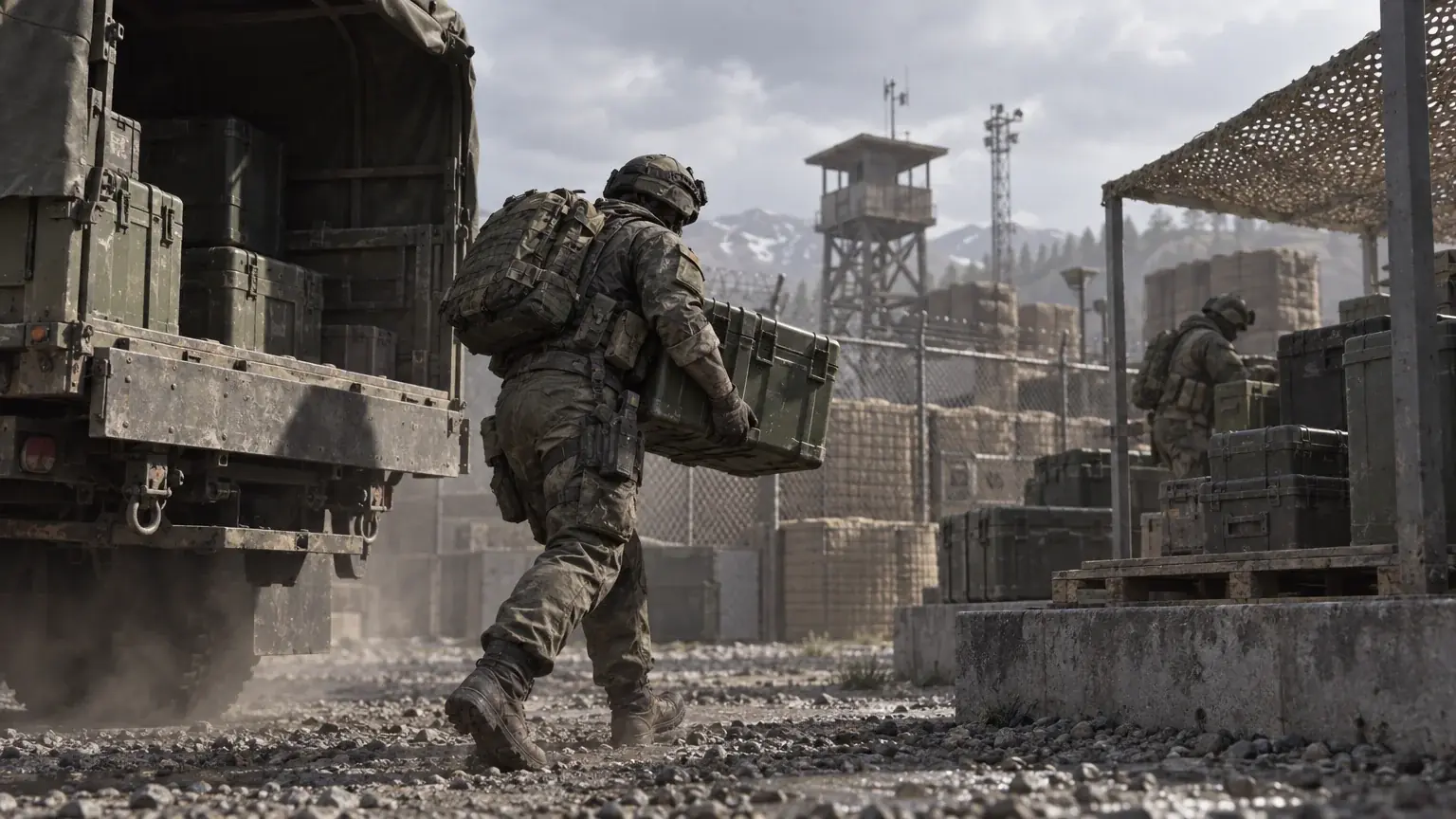
Community guides describe four separate supply pools inside a FOB — Build, Ammo, Fuel and Mechanical — each feeding a different part of the base. Ammo Supplies feed mortar, CIWS and SAM ammunition; Fuel Supplies feed the Refuel Station and Drill Rig; Mechanical Supplies feed the Repair Station and Stingray drone strikes.
Prices are per resource and the two figures we have are not the same thing: KeenGamer lists Build Supplies at $10 per unit ($500 for a stack of 50); AllThingsHow reports the Ammo Supplies card as a $10 purchase that adds 50 units. Do not average them — check the vendor card for each resource: purchase price, units received, stack size.
Two delivery methods, per KeenGamer: pallet — drive it into the FOB square and use Unload; the resources go to the base directly. Crate — carry the contents through your inventory and transfer them at the FOB terminal. Either way, finish by opening the FOB inventory and checking that the counter moved: cargo dropped on the ground next to the FOB is not in the stockpile. Not checked by us in the current client.
Tip
A working FOB is three jobs at once — a logistics driver, a builder on the hammer, infantry on the perimeter. Which of these pay Support XP, and how much, is not stated in the sources checked; the Season 1 XP curve breakdown covers what is known about progression.
A practical order, from the sources above; verify each counter in the client.
-
1
Buy for the task, not the catalogue
FOB kit $7,500 (official); a hammer of the tier you can unlock; Build Supplies first — Ammo, Fuel and Mechanical only for the structures that use them.
-
2
Place the FOB
not inside a building, a main base or another FOB's radius (community guides); it need not be inside the Control Zone.
-
3
Bring Build Supplies in
pallet: Unload inside the FOB square; crate: transfer through your inventory at the terminal. Then open the FOB inventory and confirm the Build counter rose.
-
4
Place and finish structures
the tier of hammer sets what you can place; any hammer can finish a blueprint someone else placed (KeenGamer).
-
5
Check supply is actually flowing
after each delivery, read the four counters; a structure that stops firing or refuelling is a supply problem before it is a defence problem.
-
6
Protect the terminal first
the hack happens at the console; walls and a controlled entrance around it come before outer fortifications.
Not everyone has the evenings for this — WARDOGS boosting covers the same ground with someone else on the keys.
Where You Can (and Can't) Place a FOB
The community guides we checked agree: a FOB cannot be deployed inside a building, inside a main base, or within another FOB’s radius, and it does not need to sit inside the Control Zone. Bulkhead’s posts do not describe placement rules, and we have not tested them in the current client.
How a FOB Gets Taken: Hacking the Terminal
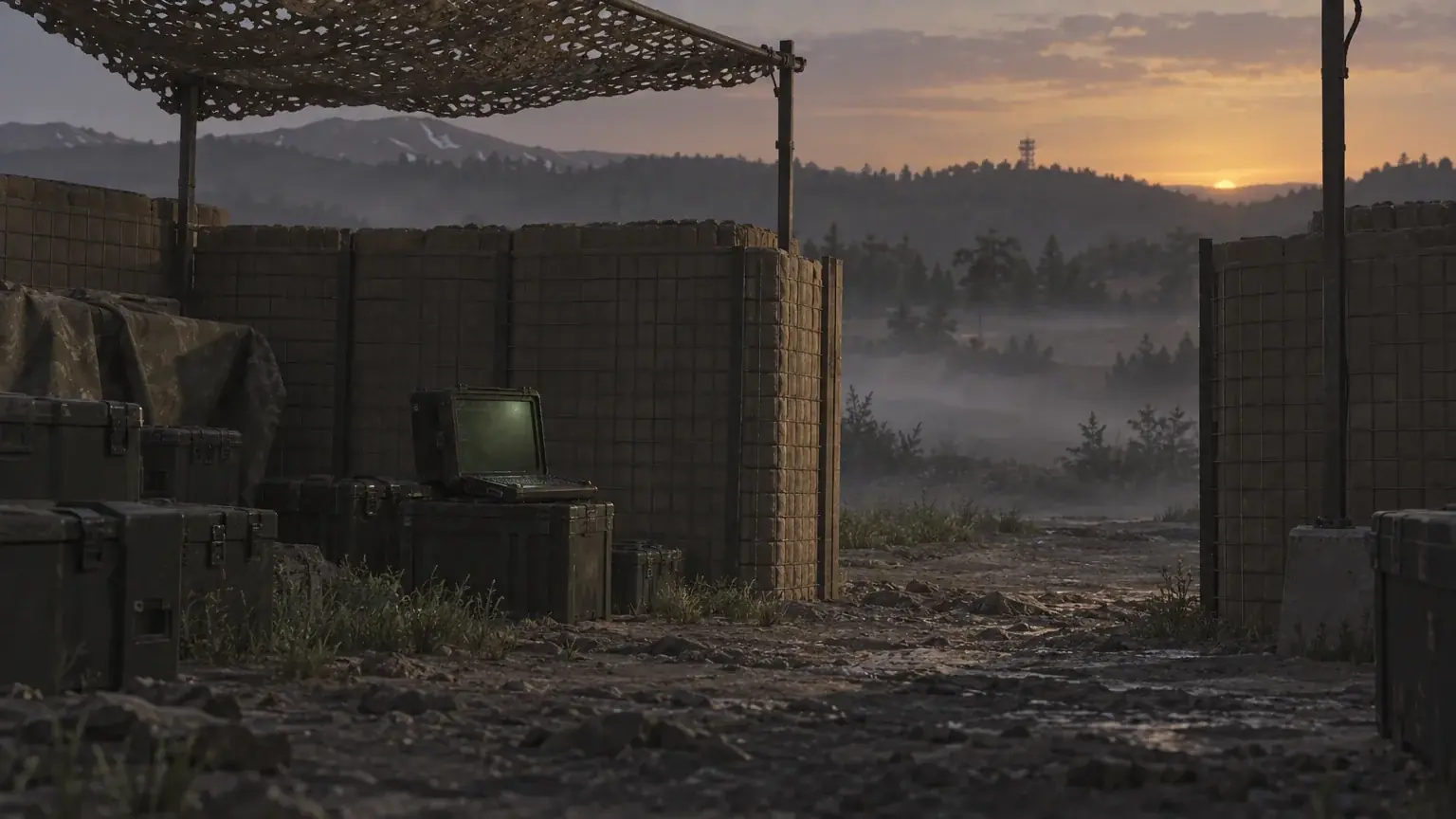
Two different things can happen to a FOB. Capture: community guides describe enemies reaching the terminal and hacking it to take the position; KeenGamer recommends covering the console with HESCO walls and a controlled entrance. A beta-era report timed the hack at about 30 seconds with a siren — pre-Season-1, not current. Destruction: one community guide says a solo enemy is more likely to blow the FOB up with a cheap explosive than to hack and hold it; a single-IED kill is that guide’s report, not a tested figure, and no FOB health value appears in the official publications we checked. What each outcome does to the stockpile and the structures inside the radius is not described in those publications either.
Not found in the official publications checked (22 September 2026): build radius size, pallet capacities, per-structure Build Supply costs, hack duration, FOB health.
Common Misconceptions About WARDOGS FOBs
“A FOB Respawns You Like an HQ”
It doesn’t. Community guides are consistent that a FOB provides construction space and supply storage only — respawning still runs through HQ and forward spawn vehicles.
“Dropping Supplies Near the FOB Is Close Enough”
Two separate community sources report the same trap: cargo left beside the FOB without being transferred through the unload prompt adds nothing to the stockpile.
“The Large Hammer Is Just a Bigger Bill”
It’s also a level gate. Season 1 moved the requirement to Support level 8 on top of raising the unlock cost to $75,000, so cash alone doesn’t get a player there.
Our Take: Is Building a FOB Worth It
Our Take
A FOB is a squad investment now, not a solo purchase.
The FOB kit is $7,500; $9,900 is the kit plus a Large Hammer for a player who already has that unlock — before supplies, transport or combat gear — and it is not the minimum to start building: a Small Hammer at $100 finishes any blueprint a Large Hammer holder has placed. Bulkhead’s framing — “more of a choice” — reads honestly here: a team that funds and defends a FOB gets mortars, anti-air and a forward spawn vehicle nearby; an unguarded terminal hands that to the other team. Whether the price hikes settle down or move again likely depends on how Bulkhead reads Early Access data going into Season 2, which the WARDOGS Season 2 date guide covers separately.
Sources and Confidence
This table separates what the studio has confirmed from what comes out of press previews, and what is still just circulating. Each claim below is tied to the post and the game version it describes.
| Claim | Where it comes from | Status |
|---|---|---|
| FOB vendor price raised from $2,500 to $7,500, Large Hammer from $1,600 to $2,400 | Steam Community (official announcements) | Official |
| Medium and Large Hammer Support-track unlock costs raised, Large Hammer moved to level 8 | Steam Community (official announcements) | Official |
| A FOB is not a respawn point; respawns come from HQ and forward spawn vehicles | games.gg WARDOGS FOB Guide | Community-reported; primary source not verified |
| Small Hammer costs $100 and builds sandbag walls, barbed wire, hedgehogs and Recon Tents; placement rules against buildings, main bases and overlapping FOB radii | KeenGamer | Press report – not independently verified |
| Small, Medium and Large Hammer vendor prices ($100 / $800 / $2,400) | wardogshub.gg equipment catalogue | Community-reported; primary source not verified |
| Ammo Supplies purchases cost $10 and add 50 units per stack | allthings.how | Community-reported; primary source not verified |
Was this guide useful?
WARDOGS services
Cash Farming
Cash Farming
Cash farmed by hand to the amount you pick, 100,000 to 1,000,000 · Everything else earned in those matches (XP…
Wardog Level
Account Level Boost
Your overall WARDOG (Career) level raised from where it is to the number you pick — the Season 1 table publishes levels…
Role Tracks
Role Track Leveling
One role track raised from your level to the one you name, level by level to 35 · The weapons and vehicles that track…