

On this page
In The Division 2, Recalibration changes one eligible attribute or talent slot per item. Optimization raises an existing stat up to the roll stored for it in your Recalibration Library. Open Inventory > Tinkering or use the Tinkering Station at the Base of Operations. Recalibrate the slot you want to change before spending materials to improve the rolls you plan to keep.
At a glance
- Unlock Optimization. Complete the third mission of the Campus Settlement.
- Recalibrate first. Pick one eligible slot and apply a stored attribute or talent for that gear or weapon type.
- Optimize next. Raise an existing stat up to its stored Library value. To reach the stat’s maximum, save a max roll in the Library first.
- Check eligibility. Standard Optimization is for eligible level 40 High-End, Gear Set, and Exotic gear and weapons.
- Prototype Gear. Use Prototype Schematics in Spearfall.
Attributes Upgrade
Attributes on gear you already own pushed higher
Recalibration vs Optimization: The Short Answer
Use Recalibration to change what a slot gives you. Use Optimization to improve the roll it already has.
| Feature | Recalibration | Optimization |
|---|---|---|
| What it does | Applies a stored attribute or talent to one eligible slot | Raises the value of an existing attribute |
| What you need | A Library entry for the same gear or weapon type | Eligible level 40 High-End, Gear Set, or Exotic gear or weapons, and a higher stored roll for the stat |
| Limit | One selected slot per item. You can recalibrate that slot again. | The roll stored for that stat in your Recalibration Library |
| Cost | Credits and materials shown before you confirm | Materials shown for the selected stat and upgrade step |
| Order | Choose the slot you want to change first | Improve the stats you plan to keep afterward |
If the hours are the obstacle rather than the fight itself, The Division 2 boosting is run hands-on by a booster from your region.
How to Recalibrate an Item
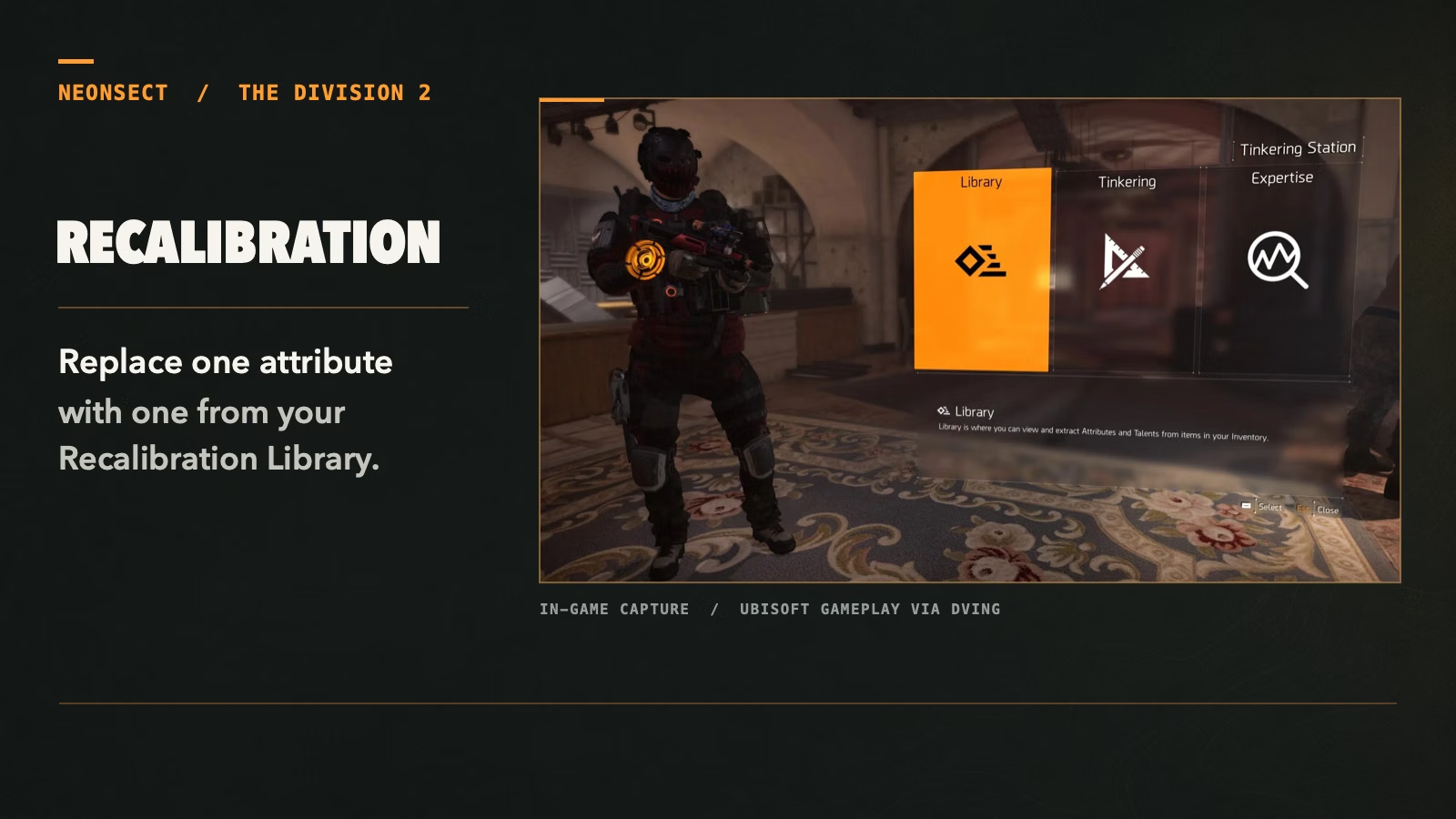
Once Tinkering is available, open it from your Inventory or visit the Tinkering Station at the Base of Operations. Project Resolve brought Recalibration, Optimization, the Library, and Expertise into the Inventory menus. Before recalibrating, check the Library for a compatible stat or talent. Review the displayed cost before you confirm.
-
1
Open Tinkering
Open Inventory > Tinkering or use the Tinkering Station at the Base of Operations.
-
2
Pick the item type
Choose the type of item you want to recalibrate.
-
3
Pick the item
Select the item you want to change.
-
4
Choose Recalibrate
Select “Recalibrate”.
-
5
Choose an eligible slot
Pick the attribute or talent slot you want to change. Future recalibrations on this item use that same slot.
-
6
Apply the Library entry
Choose a compatible attribute or talent from your Library, review the cost, and confirm.
Use the Recalibration Library to extract a roll or talent from a spare piece of the same gear or weapon type. Extraction destroys the donor item. The entry stays in the Library and can be used repeatedly on compatible items. If a loot drop has a higher roll, extract it to raise the value stored for that stat. Ubisoft explains how extraction works.
How Optimization Works
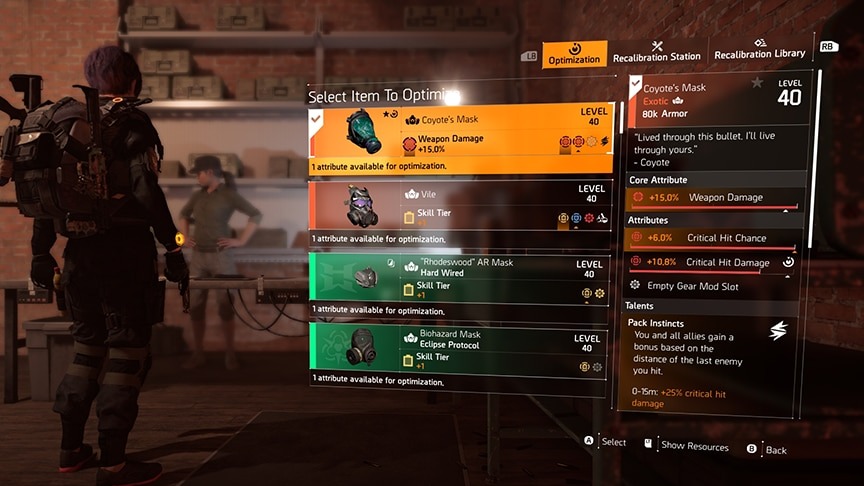
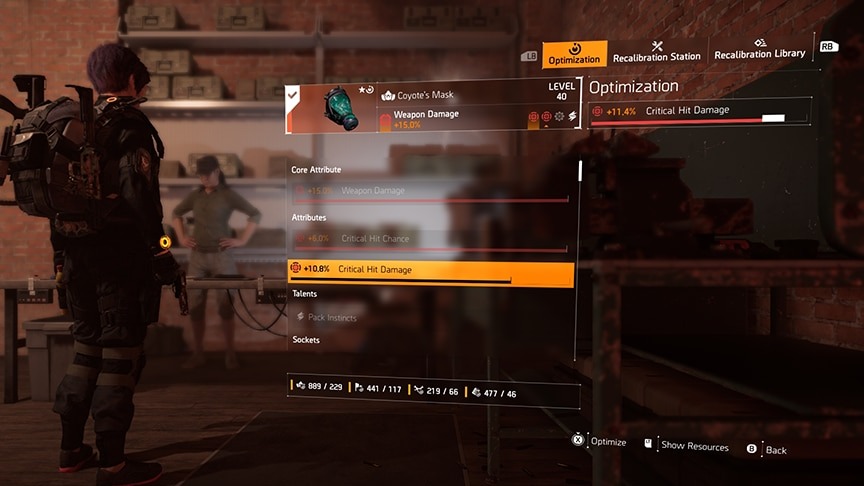
Optimization raises one existing attribute at a time. The highest roll stored for that stat and item type in your Recalibration Library is the ceiling. The Vanguard patch notes specify this cap and explain how partial steps are priced.
Example. If your SMG has +9.7% SMG Damage and the Library holds +10% for that stat, you can pay to add 0.3 percentage points. To go higher, bank a better SMG Damage roll first.
Ubisoft’s original TU12 guide explains the tier system. Each tier represents roughly one tenth of the attribute’s full maximum. The game can stop at a partial tier when your Library value is lower. Use the preview to check the next increase and its material cost.
Ubisoft Help lists the third Campus Settlement mission as the unlock requirement for Optimization. Open Tinkering, pick the item and attribute, and hold Optimize to confirm.
Where Optimization Materials Come From
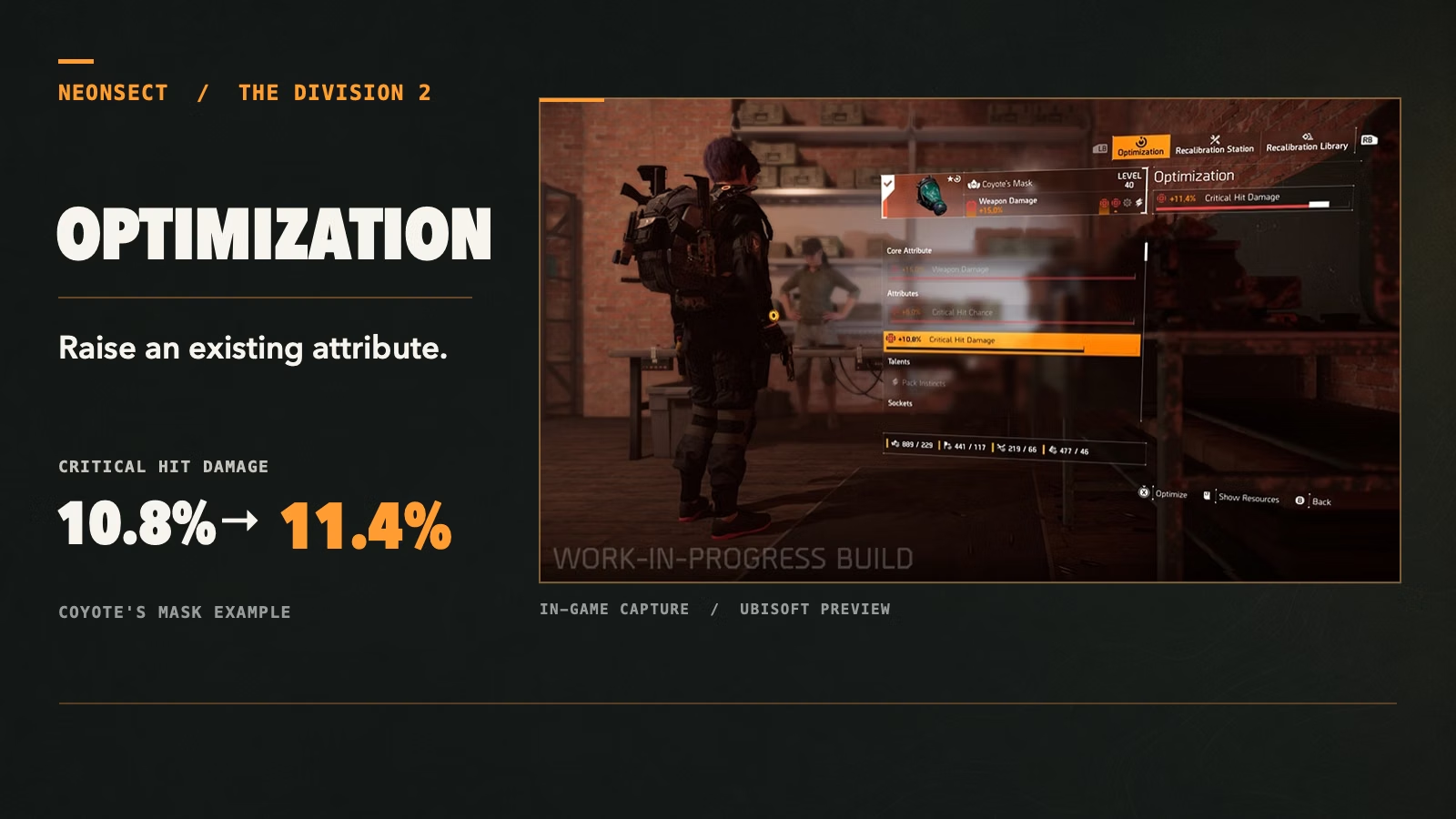
Check the cost next to the attribute you want to optimize. The original TU12 breakdown describes four material categories.
- Item-type deconstruction materials. From deconstructing other gear of the same type. Only High-End, Exotic and Gear Set items give them.
- Control Point and Landmark materials. From Control Points, Dark Zone Landmarks and the higher floors of The Summit. The yield grows with difficulty.
- Faction materials. Dropped by enemies of the different factions. The drop also grows with difficulty.
- Project materials. From Daily and Weekly Projects, PvE and PvP. Check the reward before starting a project.
Ubisoft’s TU12 guide also lists Crafting Bench recipes and points to high-alert Control Points and certain projects for blueprints. Current costs are shown in Tinkering. Worn, Standard, Specialized and Superior items can’t be optimized and give no item-type materials when you scrap them.
The Right Order: Recalibrate First, Then Optimize
Settle your build before spending on upgrades. Ubisoft’s current help page describes a restriction on recalibrating an optimized item. Its TU12 notes describe that restriction for optimized attributes and say optimized values can’t be added to the Library. Make your intended recalibration before you optimize.
- Check the whole item. Keep a piece if changing one eligible slot will make it fit your build.
- Recalibrate the selected slot. Apply the attribute or talent you saved in the Library.
- Optimize the rolls you want to keep. Prioritize the stat your build relies on and check its Library cap first.
If you are still farming the right base items, our Exotic farming guide and solo Legendary builds cover what to chase first.
Exotic Weapons
The exotic your build is designed around
Prototype Gear Works Differently Since Spearfall
The Spearfall season, which started on November 26, 2026, changed the rules for Prototype items. In Ubisoft’s Spearfall post, Prototype Schematics take “the place of standard Recalibration and Optimization” for Prototype items.
- What a Schematic can do. Add an extra attribute, replace an eligible attribute, set an eligible attribute to a fixed share of its maximum, or replace an eligible Talent.
- Where to find them. Open the Schematic Library under Mod Inventory. Most Schematics come from caches at the Prototype Requisition Vendor; others come from missions or Legendary bosses.
- Account-wide. Once unlocked, a Schematic is available to every character on the account.
- Protected stats. Named attributes and named Talents can’t be replaced, and Core Attributes, including Skill Tier, can’t be changed by Schematics.
For the rest of the season changes, see our season checklist and the Expertise explainer.
Our Take: Where Players Lose the Most Time
Start with a piece you can make work by changing one slot.
Check your Library before you spend materials. If the stored roll is low, extract a better one from a spare drop. Then optimize the stats with the biggest impact on your build.
SHD Watch (Keener’s Watch) Leveling
SHD levels past 40: weapon damage, armour, skills
Sources and Confidence
| Claim | Source |
|---|---|
| Library cap and partial optimization costs | Vanguard patch notes |
| Tinkering in Inventory | Project Resolve |
| Extraction destroys the donor and stored rolls are reusable | Ubisoft’s Recalibration Library overview |
| Optimization unlock and station controls | Ubisoft Help |
| Original tier and material breakdown | The Optimization Station (November 4, 2020) |
| Prototype Schematics and eligibility | Spearfall season notes |
Was this guide useful?