On this page
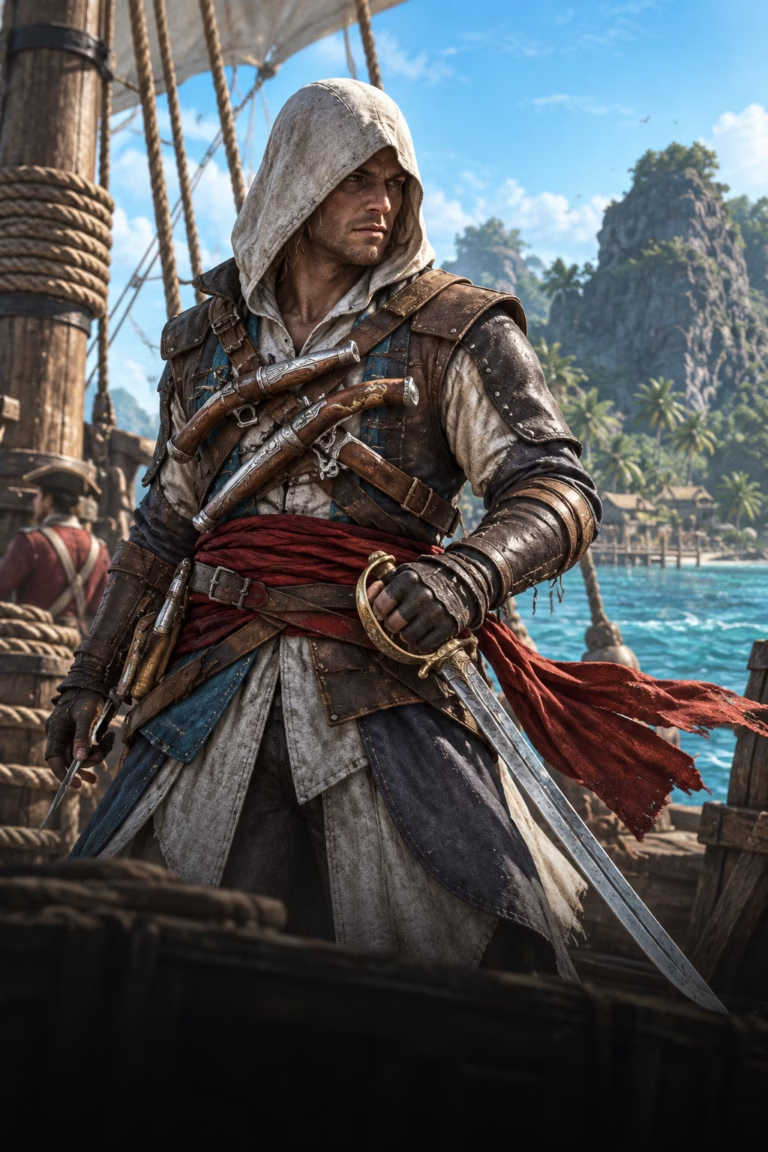
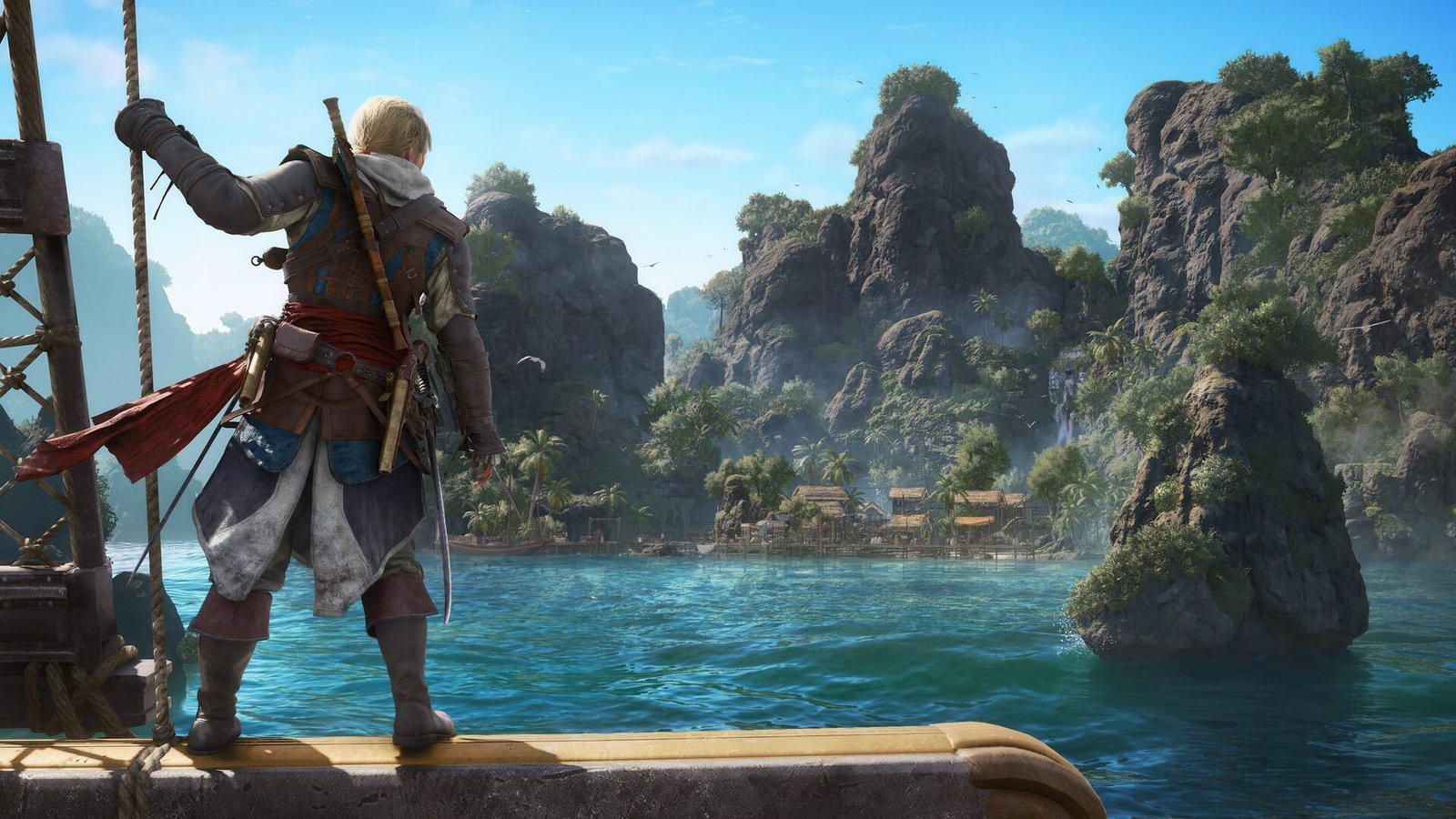
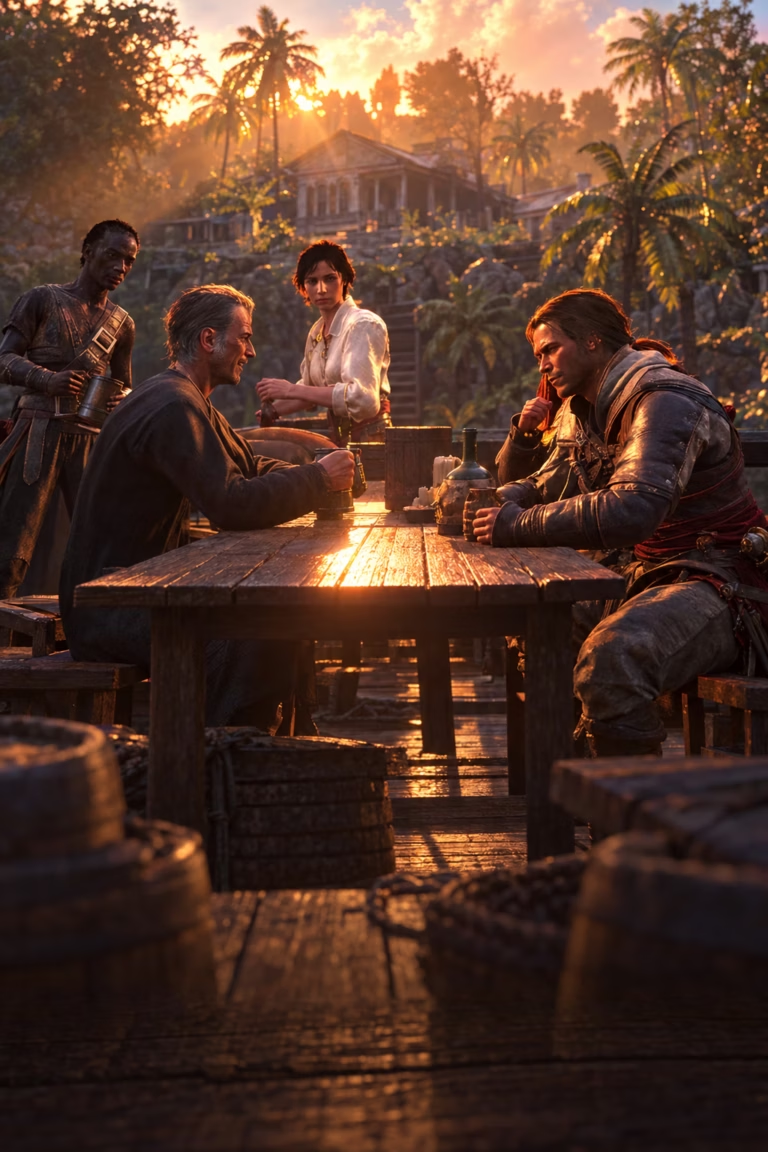
Assassin’s Creed Black Flag Resynced launched with a warm yellow color filter that makes Edward Kenway and the Caribbean look noticeably saturated. PC Gamer just highlighted that modders have already created Reshade presets to strip out the yellow tint—and the before-and-after shots are striking. This guide shows you exactly how to remove the yellow filter in Black Flag Resynced, which mods to use, and whether it’s worth tweaking.
TL;DR
- ACBlackFlag Natural Colors reshade by Blu removes the yellow filter and corrects oversaturated colors
- Requires latest Reshade version and Prod80’s shaders to install
- Alternative presets offer subtle correction or full cinematic overhauls
- Installation takes under five minutes once you have Reshade configured
- Ubisoft Singapore’s Anvil engine remake has no in-game toggle for the filter
Unlock All Outfits
All 62 outfits, robes and crew costumes
What Is the Yellow Filter in Assassin's Creed Black Flag Resynced?
The yellow filter in Black Flag Resynced is a color grading overlay that makes Edward Kenway look a bit more tanned and the waters look a bit more green. It’s the same warm tint you’ve seen in other games like Deus Ex: Human Revolution and Resident Evil 5—often called the “piss filter” in modding circles. Both of these games used a yellow filter, and there was no in-game setting to disable it, forcing players to use third-party tools if they wanted cooler, more neutral tones.
Ubisoft Singapore applied the filter across Resynced’s Caribbean environments to evoke a warm, tropical atmosphere. While the intent was to make the game feel sun-drenched and exotic, many players find the oversaturation distracting—especially when comparing side-by-side screenshots with and without the tint. Black Flag Resynced uses the latest version of the Anvil Engine, and Ubisoft has rebuilt the combat system to make battles feel faster and more dynamic, with a greater focus on parries and takedowns, but the visual filter remains baked into the rendering pipeline with no official toggle.
Not everyone has the evenings for this — Assassins Creed: Black Flag Resynced boosting covers the same ground with someone else on the keys.
Where to Get the Yellow Filter Removal Mods in AC Black Flag Resynced
The most popular mod to remove the yellow filter is ACBlackFlag Natural Colors by Blu, a simple reshade preset that removes the ugly yellow filter from the game and corrects oversaturated colors. It’s hosted on Nexus Mods and requires Reshade 6.7 or later plus Prod80’s color shader pack to function. Once you’ve installed Reshade, you download Blu’s .ini file, drop it into your game directory alongside ACBlackFlag.exe, and select the preset from the in-game Reshade menu by pressing the Home key.
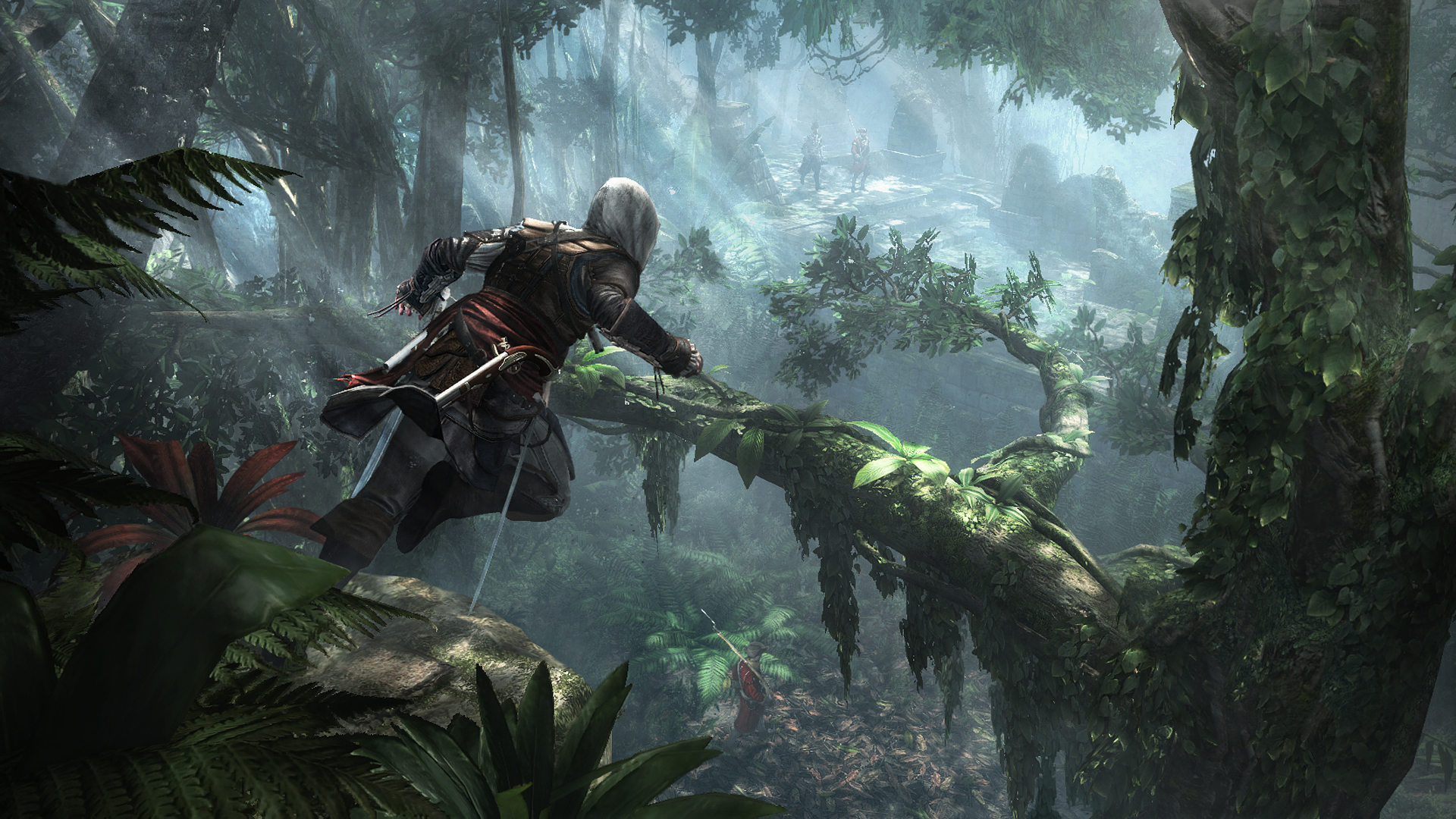
If you want a subtler approach, there are several alternatives on Nexus Mods: Subtle Color Correction ReShade preserves the warm tropical vibe while toning down the aggressive orange tint, Simple Realistic for AC Black Flag Resynced delivers better global lighting and depth alongside yellow filter removal, and BLACK SQUALL offers a grim, Pirates of the Caribbean–inspired cinematic overhaul with desaturated ambient color and vivid accents. Each preset targets slightly different visual priorities, so the best choice depends on whether you want a clean neutral look or a stylized regrade.
Best Yellow Filter Removal Methods
| Method | Speed | Effort | Best For |
|---|---|---|---|
| ACBlackFlag Natural Colors | Fast | Low | Complete yellow filter removal, most popular preset |
| Subtle Color Correction | Fast | Low | Toning down the tint while keeping warm tropical atmosphere |
| Simple Realistic Reshade | Fast | Low | Lightweight shader with improved lighting and depth |
| BLACK SQUALL | Moderate | Medium | Cinematic Pirates-style desaturated look, HDR support |
| Ultra Realistica Reshade | Moderate | Medium | Photorealistic lighting, contrast, and sharpness without filter |
Step-by-Step: Installing the ACBlackFlag Natural Colors Reshade
Follow this sequence to get it done fast.
-
1
Download and install Reshade
Grab Reshade 6.7 or later from reshade.me , run the setup exe, and browse for ACBlackFlag.exe in your game install folder (usually SteamLibrary\steamapps\common\Assassin's Creed Black Flag Resynced).
-
2
Select DirectX 12 and Prod80's shaders
During installation make sure to select AC Black Flag, DirectX 12, and on the effect section make sure to tick the one that says color effect by Prod80 and all its sub-options. Finish the Reshade setup.
-
3
Download the ACBlackFlag Natural Colors preset
Head to Nexus Mods, download Blu's Natural Colors .ini file, and extract it to the game's root folder next to ACBlackFlag.exe (not inside any subfolder).
-
4
Launch the game and load the preset
Boot Black Flag Resynced, press the Home key to open the Reshade overlay, click the preset dropdown at the top, and select Natural ColorsAC4.ini. The yellow filter will vanish immediately.
-
5
Adjust and save your settings
Toggle individual Prod80 effects on or off from the Reshade menu if you want to tweak saturation or contrast further, then close the overlay and continue playing with your new color grading.
Yellow Filter Mod Performance and Compatibility
Does Reshade Impact FPS in Black Flag Resynced?
Reshade color correction presets like ACBlackFlag Natural Colors have minimal performance impact because they’re lightweight post-processing shaders that adjust hue, saturation, and curves without rendering additional geometry or lighting. In testing across mid-range and high-end GPUs, color-only presets typically cost 1–3 FPS at most. If you layer on aggressive shaders like ambient occlusion or depth-of-field, expect a 5–10 FPS drop depending on your hardware. The Anvil engine handles ray tracing surprisingly well on the Standard setting, which costs roughly 10 percent of your frame rate and provides incredible global illumination, so budget your performance accordingly if you’re also using ray tracing.
Can You Use Reshade with Other Black Flag Resynced Mods?
You’ll need the latest version of Reshade to install it. While you’re at it, the ACBlackFlagFix will let you uncap the cutscene framerate, set cloth to animate at 60 fps, and remove pillarboxing, while Fast Launch will get you through those annoying startup videos at a rate of knots. Reshade presets are fully compatible with .exe patches and video-replacement mods because they operate in separate injection layers. You can stack the yellow filter removal with FOV tweaks, startup skip mods, and performance fixes without conflicts.
Will Reshade Cause Bans or Account Issues?
Reshade is a client-side visual injector that doesn’t modify game files or touch multiplayer systems. Black Flag Resynced is a single-player remake with no competitive mode, so there’s zero ban risk from using post-processing shaders. Ubisoft Connect and Denuvo Anti-Tamper don’t flag Reshade because it’s widely used across the modding community for screenshot tools and color grading. Just make sure you’re not attempting to inject memory hacks or cheat tables alongside Reshade—stick to visual presets and you’re safe.
Unlock All Officers
All 9 officers recruited and unlocked
Common Misconceptions About the Yellow Filter Mod
Myth: Reshade Is Complicated to Install
Reshade has a reputation for being finicky, but the installer automates shader selection and executable detection. Open Reshade, select the game you are wanting to edit (Black Flag Resynced), ensure you select the DirectX 12 API, then on the next screen where it allows you to select effects, use the file opener to choose the mod’s .ini and it will automatically set it up for you with everything you need. Finish installation and press the Home key in game to bring up the menu—it will work right off the bat with no tweaking once you boot it up. The whole process takes under five minutes even if it’s your first time using Reshade.
Myth: Removing the Filter Makes the Game Look Washed Out
Some players worry that stripping the yellow tint will leave the Caribbean looking dull or lifeless. In practice, Blu’s Reshade mod removes the yellow color filter from Assassin’s Creed Black Flag Resynced so PC gamers can experience this AC remake with more natural colors, and side-by-side comparisons show richer blues in the ocean, clearer skin tones on character models, and sharper contrast in jungle foliage. The game still looks vibrant—it just no longer has the heavy orange-yellow overlay that obscures detail.
Myth: The Yellow Filter Is Necessary for the Tropical Aesthetic
The filter was an artistic choice by Ubisoft Singapore, but it’s not baked into the game’s tropical identity. Presets soften the game’s stronger orange and yellow color grading to create a more balanced image while preserving the warm tropical tone (slightly cooler overall but looks much more natural). You can maintain the sun-drenched Caribbean vibe without the aggressive tint by using subtle correction presets instead of full removal—proving the filter is optional, not essential.
Our Take: Is Removing the Yellow Filter Worth It?
Our Take
The yellow filter removal is absolutely worth it if the warm tint bothers you, and it takes less time to install than sailing from Nassau to Havana.
Honestly, the yellow filter in Black Flag Resynced is polarizing—some players barely notice it, while others find it immediately distracting after seeing cleaner screenshots. If you fall into the latter camp, ACBlackFlag Natural Colors by Blu is a no-brainer mod: it’s free, installs in minutes, has no performance cost, and gives you instant before-and-after comparison by toggling Reshade on and off with the Delete key. The fact that both Deus Ex: Human Revolution and Resident Evil 5 used a yellow filter with no in-game setting to disable it, and Ubisoft should have included an option to enable or disable it so players wouldn’t rely on mods is a fair criticism—this should’ve been a menu toggle from day one.
The real value here is choice. Ubisoft Singapore delivered a stunning Anvil engine remake with ray-traced reflections, upgraded water physics, and reworked naval combat, but locking players into a single color grading pipeline feels like an oversight in 2026. Reshade presets give you that flexibility without compromising the game’s visual identity, and the modding scene has already delivered half a dozen alternatives for every taste—from subtle corrections to full cinematic overhauls. If you’re planning a second playthrough or just want the Caribbean to look closer to real-world tropical waters, grab the mod. If the yellow tint doesn’t register as a problem for you, skip it and enjoy the game as shipped—there’s no wrong answer here, just personal preference.
Was this guide useful?
Assassins Creed: Black Flag Resynced services
Full Unlock & Progression
Custom Item Request
Any single item in the game, named by you · Weapon, outfit, trinket, ship part or resource
Full Unlock & Progression
Quest Items & Progression
Whatever a blocked mission is asking you for · Gated unlocks opened so the story moves again
Full Unlock & Progression
All Items — Full Unlock
Every unlockable in the game, delivered in one order · Weapons, outfits, ship cosmetics, trinkets and resources together