On this page
The practical fix players currently report for Black Flag Resynced’s sync tracking bug is a manual save-and-reload workaround. Ubisoft’s Title Update 1.0.6 patch notes do not list this specific synchronization issue, and there is still no in-mission way to replay a finished quest and force the menu to check it off. Players report that the “Complete the quest” objectives for missions like Mister Walpole, I Presume? and The Fireship stay unticked in the Animus synchronization menu even after the mission plays out and rolls into the next one. This guide covers the symptom, the reported workaround, and how much time to budget for it.
TL;DR
- The synchronization menu can fail to register a quest as complete even though the mission finished normally and moved you forward in the story.
- Mister Walpole, I Presume? and The Fireship are the two quests players are naming most often in reports of this issue.
- There is no in-mission way to replay an already-completed quest to retry the sync flag — that option was removed from this remake entirely.
- The reported workaround is a new save file, a hard save right before the completion trigger, and repeated reloads until the tick registers.
- Title Update 1.0.7 (September 1, 2026) fixed a neighbouring case — the region not being revealed after a fort was completed and synchronised to 100% — but neither the 1.0.6 (August 4) nor the 1.0.7 notes list the mission-tick issue itself; treat the workaround as a player report, not an official fix.
All Items
Every unlockable in the game, delivered in one order
What Is the Sync Not Registering Bug in Assassin's Creed Black Flag Resynced?
The Animus synchronization menu is where Black Flag Resynced tracks every objective needed for full completion, grouped into categories like “Journey” with sub-entries such as “It’s Not About Need.” In that entry, the second objective is to complete the quest “Mr Walpole I Presume”. Players report finishing that mission normally and progressing the story, only to open the menu later and find the box still unchecked. One player described it plainly: there isn’t a way to go back and replay it to try to get the trigger for that Animus flag. Because full synchronization is the game’s stand-in for 100% completion, a single stuck tick blocks the entire milestone regardless of how much else you’ve cleared.
Not everyone has the evenings for this — Assassins Creed: Black Flag Resynced boosting covers the same ground with someone else on the keys.
Where the Reports Are Coming From and Why You Can't Just Redo the Quest
Most of what’s known comes from player threads rather than official channels. One player says they finished the quest twice on separate save files and the synchronization menu still wasn’t updating, calling it the only thing stopping them from reaching 100 percent. Another, much further into the campaign, laid out just how isolated the problem is from actual progress: they were nearing the end of the game with the full Mayan armour already, having finished all the Templar Hunts and fully upgraded the Jackdaw, with every location on the map completed, yet the missing tick alone would stop them getting 100% completion. The obvious fix — reload the mission and do it again — isn’t available here. The remake changed movement and mission design in several ways, and the ability to replay older missions has been removed entirely. That single design choice is exactly why this particular tracking hiccup turns into a hard wall instead of a five-minute redo.
Warning
Don’t overwrite your only recent save while chasing this. Keep at least one backup slot from before you attempt the workaround, in case a reload sends you further back than intended.

Step-by-Step: The Sync Workaround Players Are Reporting
This sequence is pieced together from multiple player reports describing the same pattern working for both Mister Walpole, I Presume? and The Fireship. It’s not guaranteed and it isn’t an official fix, but it’s the only method anyone has actually reported success with so far.
Tip
If you hit this bug, submitting a report through Ubisoft’s official channel with a short clip helps get it tracked. Support has asked affected players to gather details like screenshots or a short video and submit them through the official bug reporter.
Follow this sequence to get it done fast.
-
1
Start a fresh save file
this is separate from your main campaign save and exists purely to retry the trigger.
-
2
Speedrun to the quest in question
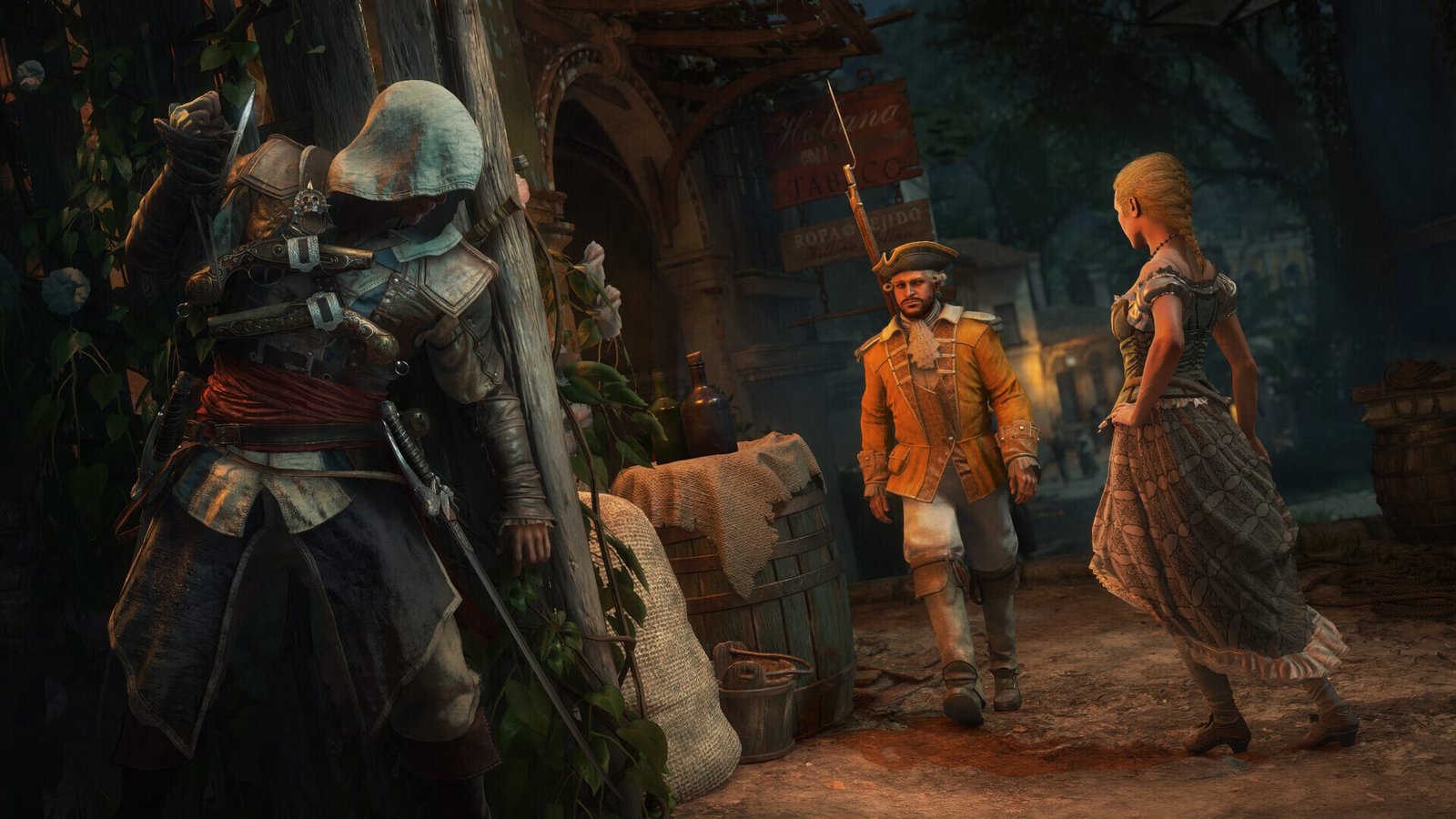
push through dialogue and travel as fast as possible to reach the exact moment the mission would complete, such as the point where Edward is turned away from the tavern and has to climb onto a nearby rooftop to sleep, which is what closes out the mission.
-
3
Hard-save right before the completion trigger
save manually in that exact spot, not through autosave, so you have a clean checkpoint to reload from repeatedly.
-
4
Trigger the completion and check the sync menu
finish the action (sleeping on the roof, finishing the mission's final beat) and back out to the Animus synchronization menu to see if the box ticks.
-
5
If it doesn't register, reload the hard save and repeat
players report doing this several times in a row before the flag finally catches.
-
6
Once it registers, switch back to your main save
the completion is reported to carry over to your original campaign file from here.
Why the New-Save Trick Works if Sync Is Meant to Track Your Real Progress
The reason this workaround makes any sense comes down to how players believe the game stores synchronization data. According to reports, the Animus synchronization tracking is account-wide rather than tied to a specific save file, so starting a new game, speedrunning to the same completion point, saving before the trigger, and reloading until it registers can get the flag to catch — and once it does, you can go back to your older, further-along save and the completion carries over. A separate thread describes the identical logic independently, noting that sync data is account-wide rather than save-specific, which is why starting a new save file, speedrunning to the broken quests, saving before finishing them, and completing them again is worth trying. None of this is documented behavior from Ubisoft — it’s an inference players have made purely by testing it and watching it work, which is exactly why this article treats it as a report rather than a confirmed mechanic.
Best Ways to Handle a Stuck Sync Objective
There’s really one method with reported success, and a few fallback options depending on how much the missing percentage bothers you.
| Method | Time Cost | Reliability | Best For |
|---|---|---|---|
| New save + hard-save reload loop | A few hours | Worked for multiple people reporting the issue | Players still mid-campaign who want 100% now |
| Keep playing and ignore the missing tick | None | Guaranteed not to fix anything | Players who don't care about the completion percentage |
| File a bug report with Ubisoft support | Minutes to submit, wait time unknown | No official fix confirmed yet | Anyone who wants the root issue patched long-term |
| Update to 1.0.7 and wait for a future fix | Unknown | 1.0.7 fixed the fort-sync region reveal; the mission-tick issue is not listed in 1.0.6 or 1.0.7 | Players not in a rush to hit 100% |
Unlock All Resources
Every resource stocked: 56 types at 100 each
What Full Synchronization Actually Rewards
Ubisoft hasn’t detailed a specific reward tied to hitting full synchronization in this remake, so treat this as an open question rather than a confirmed list. Series tradition suggests full completion typically ties into the platinum trophy or completion achievement plus a cosmetic reward for Edward, alongside the satisfaction of clearing every branch of the Journey menu — Templar Hunts, location sync points, ship upgrades, and story missions together. Templar Hunts specifically are missions where you collect a series of keys that unlock a Templar Armor set for Edward, described as one of the more powerful armours in the game, which gives a sense of how much of the completion checklist sits outside the story missions themselves. Until Ubisoft documents the exact 100% reward for this remake, don’t assume it matches the original 2013 release beat for beat.
Myth: This Is Confirmed as a Known Ubisoft Bug
It isn’t, at least not publicly. There is no mention of this sync tracking issue on any official Ubisoft known issues page or patch notes seen so far. Every detail in this article, including the workaround, comes from player reports on forums, not from a developer statement confirming root cause or a fix timeline.
Myth: You Have to Beat the Whole Game Again to Fix It
Also not accurate based on what players describe. The workaround only requires speedrunning a new save up to the specific broken quest, not replaying the entire campaign, since the goal is just to re-trigger that one completion flag, not to relive every mission.
Myth: This Breaks Achievements or Trophies Permanently
There’s no indication of a wider achievement-tracking failure at launch — this looks like a sync menu display issue tied to specific quest triggers, not a systemic problem with the achievement or trophy layer itself. Players affected are specifically citing the synchronization menu checklist, not missing PlayStation trophies or Xbox/Steam achievements popping incorrectly across the board.
Our Take: Is the Workaround Worth Doing Before a Patch?
Our Take
Worth trying after updating to 1.0.7 if you’re chasing 100% now; otherwise report it and wait for an official fix.
The new-save reload loop is annoying but not unreasonable given what’s on the other side of it: a permanent block on full completion with no in-game way to retry the quest directly. If you’re already deep into your main save and just missing this one flag, budgeting a few hours for the workaround is a smaller cost than staring at an incomplete checklist indefinitely.
That said, this is still an unconfirmed player workaround for an unconfirmed bug. Nobody has guaranteed it works every time, and the underlying assumption — that sync data lives on the account rather than the save file — is an educated guess from people who tested it, not documented behavior from Ubisoft. If you’re not in a rush, filing a support report and waiting for a fix that addresses the tracking issue at its source is the cleaner long-term move. Neither Title Update 1.0.6 nor 1.0.7 lists this issue among its fixes (1.0.7 only fixed the fort-sync region reveal), so do not expect a solution on any specific timeline.
Was this guide useful?
Assassins Creed: Black Flag Resynced services
Collectibles & Resources
Unlock All Officers
All 9 officers recruited and unlocked · The full roster of special hands for your fleet and hideout
Full Unlock & Progression
Quest Items & Progression
Whatever a blocked mission is asking you for · Gated unlocks opened so the story moves again
Gear & Cosmetics
Unlock All Weapons
Every melee blade and pistol set in the game, all 63 · Unlocked on your account rather than bought piece by piece