On this page
Lords of the Fallen co-op starts at any Vestige: open the Multiplayer menu, set a password, share it with your friend, and make sure both of you have the same progression settings selected. This guide covers that setup, the difference between Shared and Non-Shared progression, what the Free Friends Pass gives a guest, the full guest privilege table from the 3 April 2026 Co-op Update, crossplay after hotfix 2.5.591, and how co-op helps with boss fights. Hexworks develops the game and CI Games publishes it.
TL;DR
- Start at a Vestige: Multiplayer menu, set a password and share it, or leave the password empty for matchmaking; both players need the same progression settings.
- Full Shared Progression Co-op arrived in April 2025, and V2.0 added the Free Friends Pass so people can play online with you regardless of ownership.
- In Non-Shared co-op the host chooses Full or Limited guest privileges; Shared Progression guests get the full set.
- Hotfix 2.5.591 (16 August 2026) restored crossplay across PC and consoles.
- Guests can begin boss battles in Shared Progression and in Non-Shared Full Privileges, but not under Limited Privileges.
Boss Kill
The boss you are stuck on cleared on your character, in your mode, drops left yours.
What Is Co-op in Lords of the Fallen?
Co-op lets a second Lampbearer join your world online. The developer describes a path of changes: Full Shared Progression Co-op in April 2025 let both players advance through the main adventure together, and V2.0 added the Free Friends Pass. The Co-op Update of 3 April 2026 then widened what a guest may do and simplified how sessions begin. Related systems you will touch in a session include Vestiges, the Umbral Lamp, Chrysalis Rebirth and vendors.
| Option | What the sources say |
|---|---|
| Shared Progression Co-op | Both players advance together through the main adventure; the guest gets the expanded privilege set. |
| Non-Shared Progression Co-op | The host chooses whether the guest has Full or Limited privileges. |
| Free Friends Pass | Lets players without the game join a friend who owns it, in Standard Co-op or Shared Progression Co-op. |
Players short on time can put Lords of the Fallen boosting alongside a normal playthrough rather than in place of one.
Step-by-Step: How to Start Co-op
The post does not describe any other menu path, so if a step looks different on your platform, check the Multiplayer menu itself.
Follow this sequence.
-
1
Reach any Vestige
the session starts from a Vestige, and any of them will do.
-
2
Open the Multiplayer menu
this is where the co-op options sit.
-
3
Set a password and share it
send it to your friend; to use matchmaking instead, leave the password field empty.
-
4
Match the progression settings
both players need the same progression settings. For Shared Progression you also need the same New Game level (for example both in NG, or both in NG+1) and a similar number of main bosses defeated, within one boss.
-
5
If it will not connect
check that you both picked the same co-op mode, the same password and matching progression, then check whether ping restrictions are blocking the connection.
Shared Progression vs Non-Shared and the Free Friends Pass
Shared Progression Co-op
Both players advance through the main adventure together. The guest gets the full expanded set in the table below, from vendors to boss battles. Quest items, key items, boss rewards and items from treasure chests go to both players automatically. A host has one guest at a time but can switch guests between sessions.
Non-Shared Progression Co-op
The host decides whether the guest has Full or Limited privileges. Full matches the Shared Progression guest; Limited is a smaller set. The post does not say where in the menu that choice is made.
Free Friends Pass
A friend without the game can play the whole adventure by your side for free, on every platform. Alone, the pass opens the character creator and the full tutorial area, and you can play with different friends across sessions. What is saved depends on the session: CI Games’ 2025 FAQ says character levels, stats and loot are kept while world progress (areas, quests) stays with the host, and its April 2026 FAQ adds that progress may not be saved depending on the session type and is not saved if a Friends Pass player leaves to the main menu. Since hotfix 2.5.364 (20 April 2026) a Friends Pass player picks Shared or Non-Shared Progression in the main menu before joining.
Two later fixes matter if you use the pass: 2.5.567 (6 August 2026) stopped a Friends Pass save turning into a Full Entitlement save after Shared Co-op and repaired saves already affected, and 2.5.624 (4 September 2026) stopped Friends Pass players loading saves made with the full game.
Where to get it:
- PS5 and Xbox: select Trial on the game’s store page.
- Steam: Install on the Free Friend’s Pass page or the main game page.
- Epic Games Store: the Free Friend’s Pass Demo page.
- Windows: install the Trial through the Microsoft Store, not the Xbox PC app.
What it costs: nothing. The guest plays through the tutorial area first, then joins a host.
Guest Privileges Table: What Guests Can and Cannot Do
Table from the Co-op Update of 3 April 2026, one row per action as the post lists it.
The bullets in the post break down as follows:
Counts are bullets as the post lists them; “Rest and warp between Vestiges” is one bullet in the Full list.
Actions no guest can perform
Both the Full Privileges and Limited Privileges lists say a guest cannot:
- Cleanse Beacons
- Interact with Shrines or offer Remembrance
- Use the Mirror in Skyrest
- Leave Umbral via Effigy
- Initiate Crucible or Echoes of Battle
- Avenge Lampbearers
The Full Privileges list also bars entering Umbral without the host; the Limited Privileges list does not mention that action.
Warning
If you are the guest and want to cleanse a Beacon or start a Crucible run, the host has to do it; no privilege setting changes that. The full breakdown is in the Co-op Update announcement on Steam.
| Guest action | Shared Progression | Non-Shared, Full | Non-Shared, Limited |
|---|---|---|---|
| Upgrade equipment (Sanguinarix, Umbral Lamp, weapons) | Yes | Yes | Yes |
| Socket upgrade items | Yes | Yes | Yes |
| Interact with vendor NPCs | Yes | Yes | Yes |
| Use Chrysalis Rebirth | Yes | Yes | Yes |
| Rest at Vestiges | Yes | Yes | Yes |
| Warp between Vestiges | Yes | Yes | No |
| Plant Vestige seeds | Yes | Yes | No |
| Begin Boss battles | Yes | Yes | No |
| Skip cutscenes | Yes | Yes | No |
Power Leveling
10 to 200 levels on your character
Lords of the Fallen Crossplay: What Works Now
Hotfix 2.5.591 (16 August 2026) brought all platforms back onto the same version and restored crossplay functionality across PC and consoles. The Steam news list carries the hotfix post.
V2.0 (17 April 2025) listed full crossplay support through password matchmaking, so a cross-platform session starts from the password step above.
Tip
The V2.0 FAQ described password matchmaking as the cross-platform route and Beckon Friend as a same-platform invitation feature. Those interface details have not been re-checked for the September 2026 build.
Cross-save between platforms is not mentioned in the Co-op Update post, the Friend’s Pass FAQ or the 2.5.591 hotfix note.
Co-op for Bosses: Bringing a Helper Into a Stuck Fight
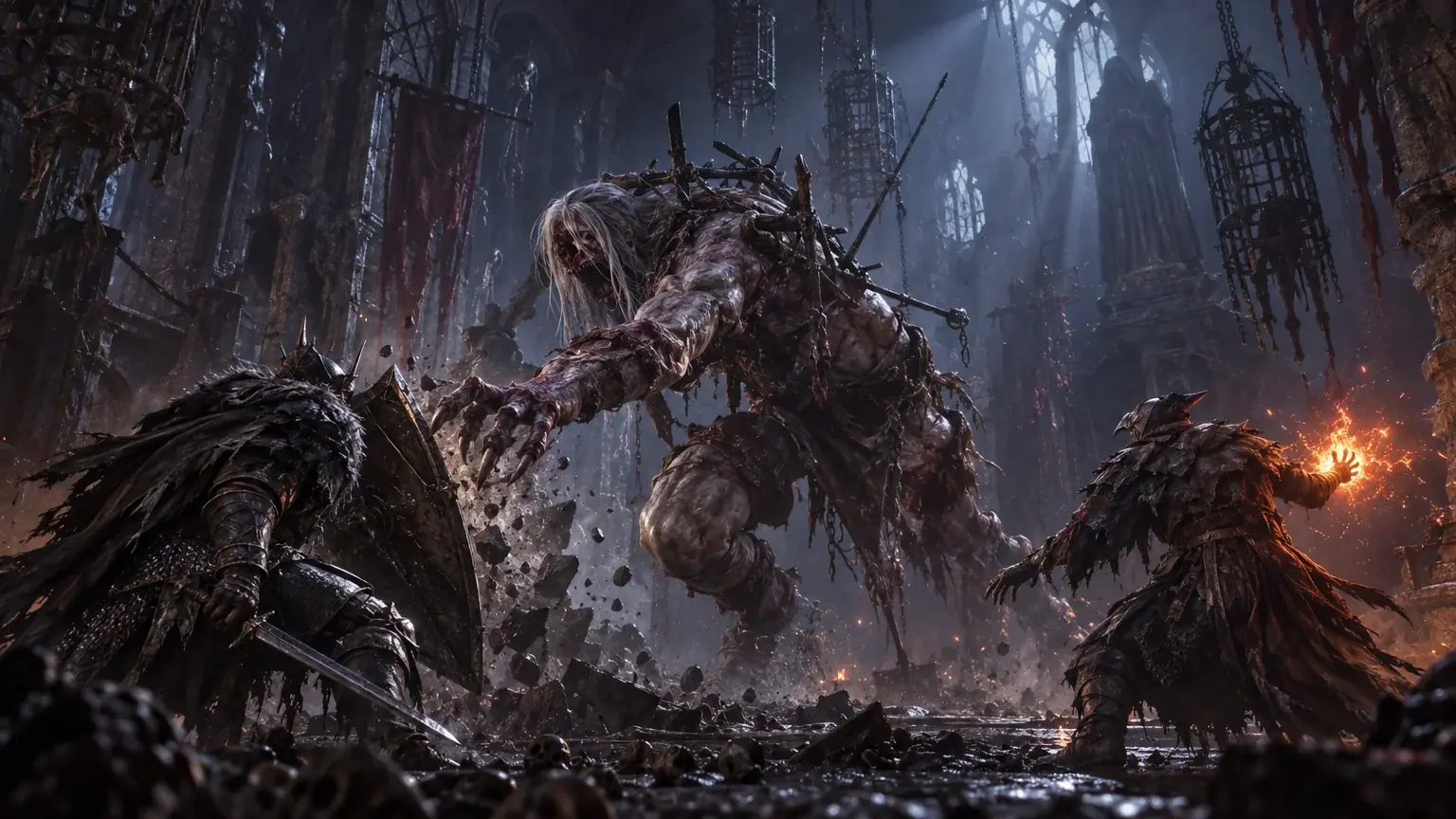
Guests in Shared Progression Co-op and in Non-Shared Full Privileges can begin boss battles, which is new compared with earlier versions where only the host could trigger boss fights. A guest under Limited Privileges cannot begin bosses.
In practice: if a friend is stuck on a boss, invite a helper using the steps above, then check that the session is Shared Progression or that the host picked Full Privileges if you want either of you to trigger the fight. Numeric boss health or damage changes when a guest joins are not stated in the Co-op Update or the hotfix notes cited here.
Rather have a helper than a partner? Our Lords of the Fallen Power Leveling can be played with you in co-op or on your account; it is a paid Neonsect service, not a game feature.
Sources and Confidence
Where each claim comes from, and how far to trust it.
| Claim | Where it comes from | Status |
|---|---|---|
| Starting co-op at a Vestige, password or matchmaking; guest privileges for Shared, Full and Limited | CI Games, “The Co-op Update”, 3 April 2026 (Steam) / 6 April 2026 (lordsofthefallen.com) | Official |
| Same New Game level and within one main boss for Shared Progression; ping restrictions; Friends Pass saving depends on the session and is lost on quitting to the main menu; shared quest, key, boss and chest items | CI Games, Co-op FAQ: Shared and Non-Shared Progression Explained, 10 April 2026 | Official |
| Where to get the Friends Pass on each platform; one guest per host; Friends Pass saves character and loot, world progress stays with the host | CI Games, Friend’s Pass FAQ (developer post on Steam), 18 April 2025 | Official |
| Shared Progression Co-op, Free Friends Pass, crossplay through password matchmaking | CI Games, “Lords of the Fallen Version 2.0”, 17 April 2025 | Official |
| Friends Pass players choose Shared or Non-Shared in the main menu | CI Games, “Hotfix for Update 2.5.364”, 20 April 2026 | Official |
| Friends Pass save turning into a Full Entitlement save fixed, affected saves repaired | CI Games, “Update Version 2.5.567”, 6 August 2026 | Official |
| All platforms on v2.5.591, crossplay restored | CI Games, “Hotfix v2.5.591”, 16 August 2026 | Official |
| Friends Pass can no longer load full-game saves | CI Games, “HotFix Version 2.5.624”, 4 September 2026 | Official |
| Beckon Friend as a same-platform invitation | V2.0 co-op FAQ, not re-checked for the September 2026 build | Not yet verified by us |
Was this guide useful?
Lords of the Fallen services
Leveling & Farming
Weapon Farm & +10 Upgrade
One weapon on your character · +10 if chosen
Bosses & Campaign
Campaign Completion — Your Ending
Campaign finished on the chosen ending · Ending class unlocked
Bosses & Campaign
New Game Plus Cycle
One New Game Plus cycle finished · New drops left on the character