En esta página
Bodycam is still a PC-only Early Access shooter on Steam, and the v0.8 “Locked and Loaded” update from 2 September 2026 changed enough about how a first session works that old advice about menus, modes and unlocks no longer applies. This guide walks through what a new or returning player actually sees on day one: the tablet UI, the base weapon and Reissad Points loop, which modes are live right now, and the specific mistakes the patch notes let us name.
En resumen
- Bodycam is PC-only Early Access via Steam; v0.8 added Host Migration, a new tablet UI, and switched off the real-money shop.
- You start with one base weapon; everything else unlocks with Reissad Points earned by playing.
- Live modes: Wingman 2v2 (solo queue only for now), Versus, Hardpoint, Team Deathmatch (75 kills), Deathmatch (40 kills), Gun Game — Bodybomb is retired and Zombie Mode is temporarily disabled.
- You can play with friends today by inviting them to your lobby and starting a custom match; the full Party System is still in development.
- Exact RP per match, unlock prices and rank/ELO thresholds aren’t published by the studio — check the in-game tablet for current numbers.
Farmeo de Reissad Points
La cantidad de RP que pediste, en tu cuenta
What v0.8 Changed for a First Session
Bodycam is developed by Reissad Studio and remains an Early Access, PC-only multiplayer FPS on Steam under App ID 2406770; it originally entered Early Access on 7 June 2024, and v0.8 is the biggest update since then. The multiplayer runs peer-to-peer, meaning match quality depends directly on the connection between the players in your lobby, and matches are host-authoritative rather than running on dedicated servers. To soften the old failure mode where a host leaving mid-match could disconnect everyone, v0.8 added a Host Migration system: when the host disconnects, another player becomes the new host based on ping, and the game tries to restart from the latest known state. Host Migration doesn’t cover every case, though — it isn’t available once a match has already ended, so if the host leaves after the final kill, everyone gets dropped back to the Lobby instead.
The real-money shop for Operator Skins is currently switched off. Anything bought before v0.8 stays owned and was restored on first connect after the update, and the shop is planned to return later. Practically, that means nothing in your first session is behind a purchase — every weapon and attachment slot you see is unlocked with in-game currency, not a card payment.
Advertencia
Because networking is peer-to-peer and host-based, a session host was recently able to remote-crash other players’ games by spawning large numbers of entities; Reissad Studio banned the players abusing it and shipped a fix in Patch #3 (8 September 2026), with a follow-up object-spawning fix in Patch #4 (11 September 2026). The studio found no evidence the exploit was used to access personal data.
What You Start With: Base Weapon, Reissad Points and the Tablet
Progression in v0.8 works around a single new currency. Players start with a base weapon and unlock additional weapons and attachments using Reissad Points (RP), earned by playing matches. Ranks and ELO, separately, are only gained by playing the competitive mode Wingman 2v2 — other modes don’t feed the rank ladder. Around 400 attachments exist across all weapons and categories, with eight named effects (ADS Speed, Switch Speed, Reload Speed, Horizontal Recoil, Vertical Recoil, Spread, Kick, Ammo Capacity); the full breakdown of compatibility and categories lives in the site’s Bodycam attachments guide, which is worth reading before you spend your first RP.
The entire UI was rebuilt around a new in-game tablet, which now holds the loadout screen, the settings screen, a social tab, the server browser and the scoreboard. If menu navigation feels awkward on a controller or you’d rather it not feel embedded in the game world, the tablet has a dual mode: you can switch the UI to full-screen mode in the settings at any time. Language support is disabled for now, so menus are English-only regardless of your system settings.
Which Modes to Play First After v0.8
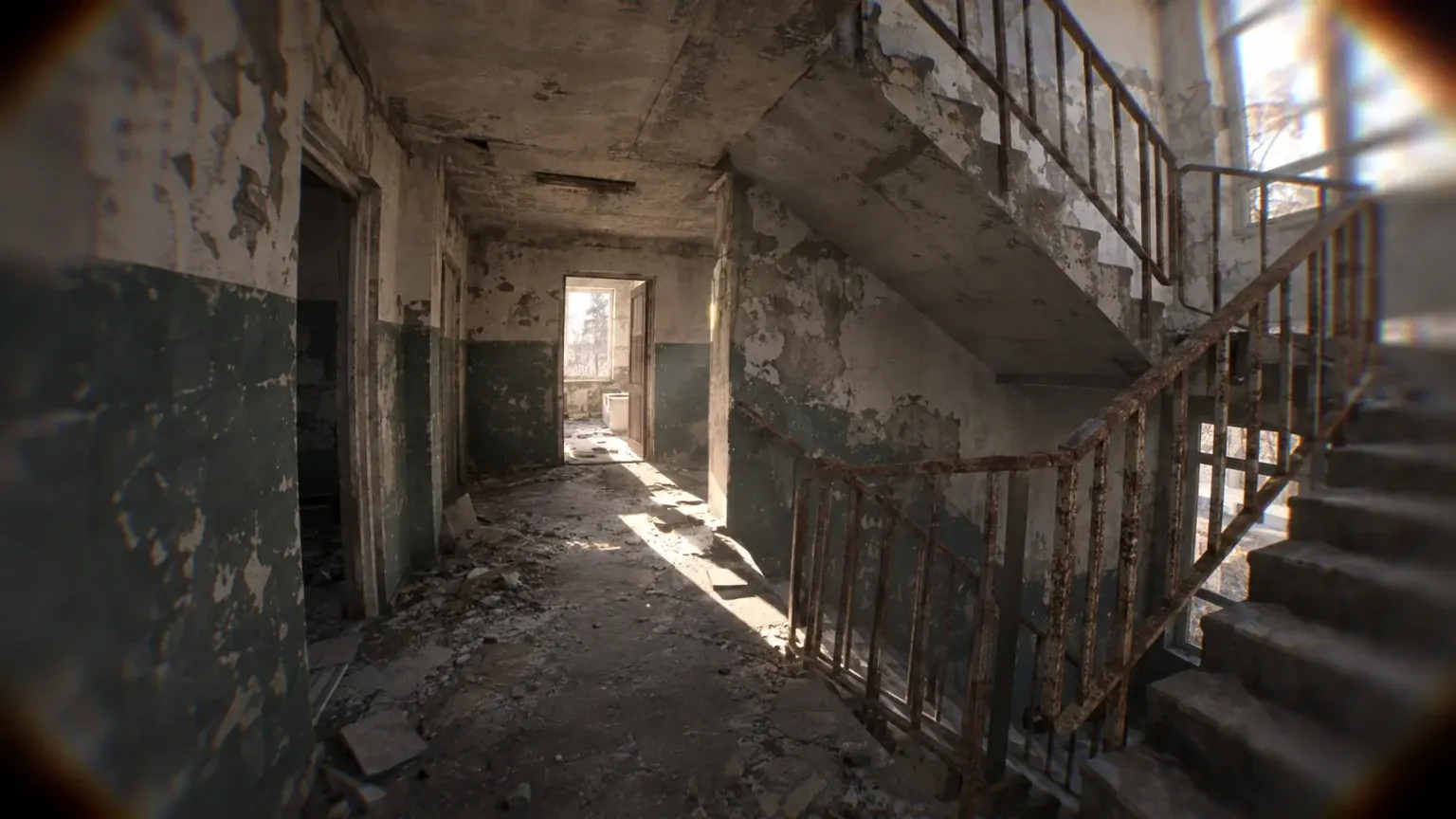
Bodybomb has been retired and replaced by Wingman 2v2, which is now the default competitive mode. The live mode list as of this update is Wingman 2v2, Versus, Hardpoint, Team Deathmatch, Deathmatch and Gun Game. Zombie Mode is temporarily disabled rather than removed — the studio plans to bring it back stronger for a future event with Halloween coming up. Oil Rig and Tumblewood aren’t part of v0.8 either; the studio says it has plans for both maps later.
For a first evening, Team Deathmatch or Deathmatch are the least likely to confuse you — the rules are the most familiar, and you’ll see the raised score limits from Patch #1 in effect straight away. Wingman is worth trying once you understand the caveats below, since it’s the only mode currently tied to ranks.
| Modo | Estado | Score limit / notes | Ranks/ELO? |
|---|---|---|---|
| Wingman 2v2 | Live, default competitive mode | Solo queue only for now; matchmaking not skill-based; rewards currently fixed | Yes — only mode that awards rank/ELO |
| Team Deathmatch | En curso | Raised from 50 to 75 kills in Patch #1 | No |
| Deathmatch | En curso | Raised from 30 to 40 kills in Patch #1 | No |
| Hardpoint | En curso | Score limit not published | No |
| Gun Game | En curso | Score limit not published | No |
| Versus | En curso | Score limit not published | No |
| Bodybomb | Retired, replaced by Wingman | — | — |
| Modo Zombis | Temporarily disabled, planned to return for Halloween | — | — |
Playing With Friends Today
A full Party System is in development, but it wasn’t included in v0.8 because it isn’t stable enough yet — Patch #1 restated this the day after launch. Until it ships, the workaround the studio describes is the five steps below. One thing to know before you build a whole evening around it: since Patch #3 (8 September 2026) private lobbies earn 50 % of the standard RP rate — fine for a social session, slow as your main grind.
Sigue estos pasos para hacerlo rápidamente.
-
1
Open the tablet in the Lobby
this is where the play flow, loadout and social tab all live now.
-
2
Go to the Custom tab
per the Major Update, 'Quick Play and the Server Browser can only be used solo' until the Party System ships, so a shared game is created here.
-
3
Create the match
set it up as a custom match rather than queuing through matchmaking.
-
4
Invite your friends to the lobby
or have them join the same server separately if invites aren't convenient.
-
5
Check the private lobby RP rate before you commit an evening to it
since Patch #3 private lobbies pay 50 % of the standard RP rate on top of the mode multiplier — a social session, not your main income.
Settings to Check Before Your First Match
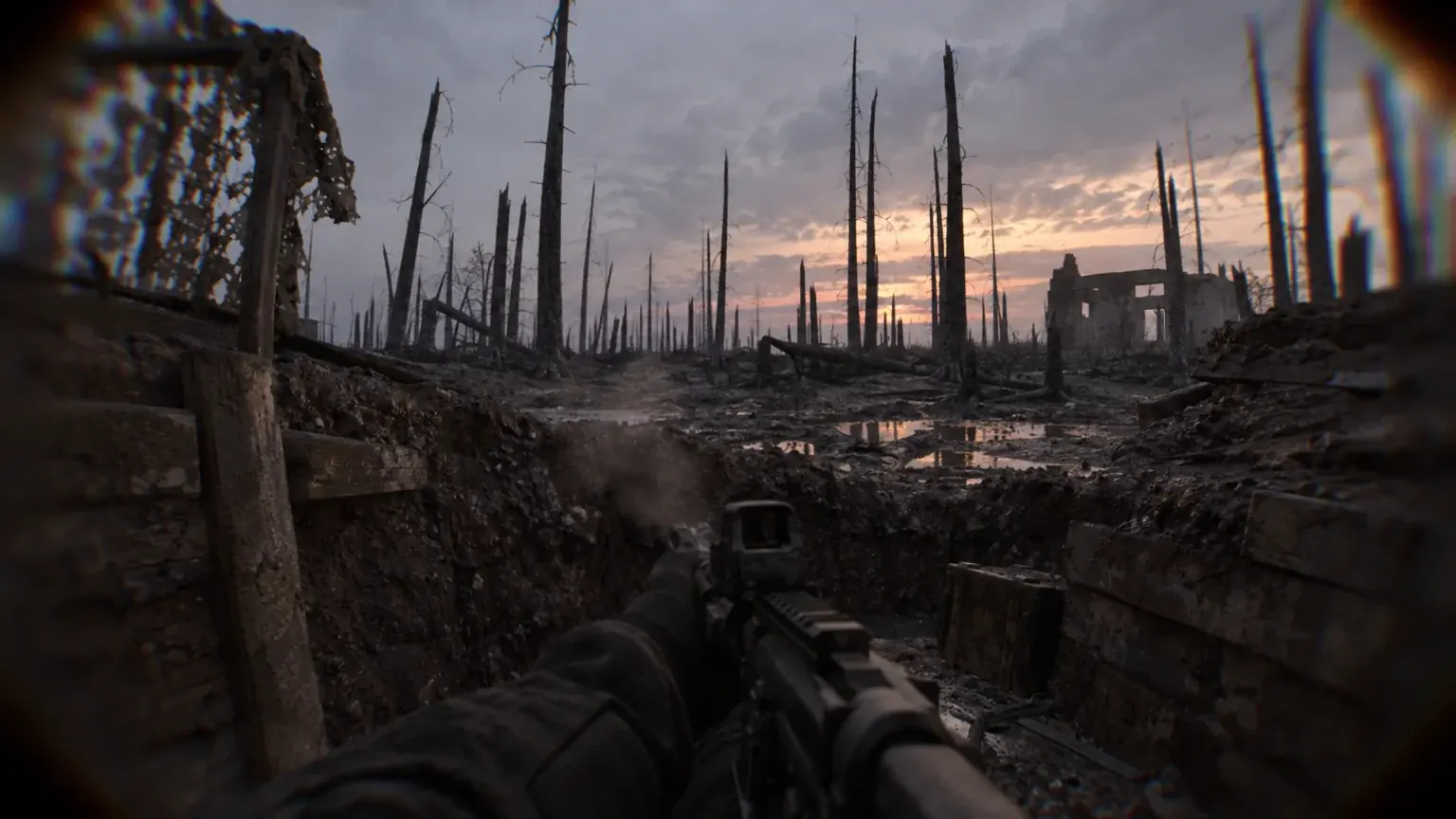
Patch #1 and Patch #4 reworked several settings and control systems, and a few are worth opening the tablet’s settings screen to look at before you queue, rather than assuming defaults: the full-screen UI toggle for the tablet (an accessibility option you can switch on any time), an individual player mute button for VOIP, a DLSS Multi Frame Generation setting, and a Film Grain setting all exist as of Patch #1. None of these come with a recommended value published by the studio — they’re options to check, not settings to copy from someone else.
Consejo
Patch #4 (11 September 2026) reworked keybinding conflict handling, split perk and character inputs into separate dedicated keybinds, and cleared outdated saved keybind data — the patch notes explicitly warn that some modified keys may need to be rebound. If your controls feel off after updating, that’s the likely cause; open the keybinds screen and check before assuming something is broken.
Your First Session, in Order
Six stops, in this order, get a new player through the first evening without spending currency blind.
-
1
Open the keybinds screen first
Patch #4 (11 September 2026) cleared outdated saved keybind data and split perk and character inputs into separate binds, so check controls before anything else; if the tablet feels awkward, switch the UI to full-screen mode in the same settings screen.
-
2
Spend ten minutes in the Shooting Range
v0.8 added an interactive shooting range hub to test weapons and attachment setups before a match — the firing range, armory and attachment room are open; the obstacle course, shoot house and drone/RC rooms are still closed for maintenance.
-
3
Check your loadout on the tablet, buy nothing yet
You start with one base weapon; attachment prices are shown only on the tablet, so note what the first unlock for your weapon costs and read the attachments guide before spending.
-
4
Queue Team Deathmatch or Deathmatch through Quick Play
the rules are the most familiar and the score limits are 75 and 40 kills; Quick Play is solo-only until the Party System ships.
-
5
Play the match to the end
if the host drops, Host Migration restarts the match from the latest known state instead of dumping everyone to the Lobby, so there is no reason to leave early.
-
6
Review before the second match
open the tablet again: compare your RP balance with the unlock you noted, then decide whether to keep learning in TDM or try Wingman 2v2 — the only mode that moves rank, solo queue, no skill-based matchmaking yet.
Desbloqueo de categoría de armas
Cada arma de la pestaña que elegiste, desbloqueada
Beginner Mistakes to Skip in v0.8
Queuing Wingman expecting a duo or a fair matchup
Wingman is for now only available for solo queues, due to technical reasons — duo-queue isn’t enabled yet — and matchmaking is not skill-based yet, with rewards currently fixed rather than scaled to opponent skill. Don’t queue it assuming you’ll play alongside a friend, and don’t expect a “fair” match on skill alone yet.
Trying to join a match already in progress
Matches cannot be joined once they are in progress — in any mode, not just Wingman. Joining ongoing matches from the Server Browser is on the planned Party System list from Patch #1, not live.
Spending Reissad Points before checking the attachments guide
Attachments were added in the hundreds, with pricing and rarity introduced alongside them in v0.8, but exact RP costs per item aren’t printed in any patch note — they’re shown on the in-game tablet only, and Patch #3 only confirms a relative 25–30% price cut, not absolute numbers. Spending blind on the first few unlocks is easy to regret: the attachments guide linked above covers what the eight attachment effects actually do, and the Reissad Points guide covers where the currency comes from and what the unlock tiers cost.
Expecting Zombies, Bodybomb, or shop-bought power
Bodybomb no longer exists as a mode — Wingman replaced it. Zombie Mode is disabled, not gone, with a return planned around Halloween. And the shop being switched off means nothing purchasable currently affects gameplay; every weapon and attachment in your loadout comes from RP, not a card transaction.
Earning Reissad Points Without a Farming Trick
There’s no shortcut mechanic to name here — RP comes from finishing matches, and Patch #2 (4 September 2026) set per-mode multipliers on top of the base rate: Gun Game +25%, Team Deathmatch +50%, Deathmatch +50%, Hardpoint +75%, Wingman +100%, Versus +100%. Private lobbies with friends pay 50% of the standard rate on top of whichever mode multiplier applies, so a private Wingman match still nets less RP than a public one at the same length.
What isn’t known is the base RP amount per match or per kill, so there is no verified per-hour figure for unlocking a full loadout — only the relative multipliers above. For a first evening, stay in Team Deathmatch or Deathmatch as recommended earlier; once the basics are comfortable, Wingman and Versus carry the highest published multiplier (+100%), and a private lobby with friends is the slower, social option rather than your main income. Patch #3’s earnings change and what it means for regular private-lobby players is covered in the site’s Patch #3 earnings breakdown.
Where the grind outlasts the interest, Boosting de Bodycam picks it up from wherever the account already stands.
What's Not Published Yet
A few things new players often go looking for simply aren’t in the official notes through Patch #4: exact RP earned per match or per mode, per-item attachment unlock prices, the Wingman rank ladder and its ELO thresholds, and round timers for any mode. The studio has said it’s still gathering feedback on progression speed and fixing inconsistencies in how points are awarded, which suggests these numbers are still moving.
Our Take: Is v0.8 a Good Time to Start?
Nuestra opinión
Yes, with the caveat that several systems are visibly unfinished.
The loadout system, the tablet UI and Host Migration are real quality-of-life upgrades over what Bodycam had before, and starting with one weapon and earning the rest through RP is a clean, understandable loop. But Wingman’s solo-only queue, fixed rewards and lack of skill-based matchmaking mean the “competitive” mode isn’t yet what its name implies, and the recent host-crash exploit is a reminder that peer-to-peer, host-authoritative multiplayer carries risks a dedicated-server game doesn’t. None of that makes v0.8 a bad entry point — it just means treating the current build as Early Access in the literal sense, not a finished game with all its numbers locked in.
Sources and Confidence
Each claim below is tied to the post and the game version it describes (v0.8, patches #1–#4).
| Claim | Where it comes from | Estado |
|---|---|---|
| v0.8 added Host Migration, a new tablet UI and turned off the real-money shop | Steam Community (Reissad Studio official announcement) | Official |
| Players start with one base weapon and unlock the rest with Reissad Points | Steam Community (Reissad Studio official announcement) | Official |
| TDM score limit raised to 75 kills and Deathmatch to 40 kills | Steam Community (Reissad Studio Patch Notes #1) | Official |
| RP gain multipliers by mode added, up to +100% in Wingman and Versus | Steam Community (Reissad Studio Patch Notes #2) | Official |
| Private lobbies now earn 50% of standard RP; attachment prices cut 25-30% | Steam Community (Reissad Studio Patch Notes #3) | Official |
| Bodycam launched into Early Access on PC on 7 June 2024 | Wikipedia (Bodycam video game entry) | Confirmed (third-party source) |
¿Te ha resultado útil esta guía?
Servicios de Bodycam
RP y rangos
Subida de rango Wingman 2v2
5, 10 or 20 Wingman 2v2 wins on your account · 2v2 Search & Destroy wins, no hero abilities or killstreaks
Desbloqueos de equipamiento
Desbloqueo de ranuras de equipamiento
The slot(s) you picked, opened on your loadout · RP farmed on your account, nothing else spent
Desbloqueos de equipamiento
Kit completo de arma: todos los accesorios + pegatina
Every attachment the weapon takes, plus a sticker · Optional skin, or three weapons in one order