
The Division 2
Into the Dark
The Division 2 boosting executed on a secure, region-matched Ubisoft connection. We grind Legendary mission completions, Summit Floor-100 pushes, Manhunt full-rotation kills, named-item god-roll farms, exotic component grinds, and Dark Zone PvP exfils with full SHD Watch cap progression. Each order executes purely by hand under a strict no-bot, no-script policy — region-matched connections, offline status, and escrow holding the money until completion.
- We boost on PC
- Starting price
- From $2.29
- Avg ETA
- 15 min pickup · 1 – 48h
- Payment methods
- Card · PayPal · Crypto
- Delivery type
- Manual
- Regions
- EU · NA · Asia · OCE
- Protection
- Escrow-protected
Most Wanted
- SHD levels past 40: weapon damage, armour, skills
- Each level costs 700 000 XP
- 1000 of them to max every stat
1K SHD Leveling
SHD leveling is what separates a functional agent from a genuinely powerful one. Every level past 40 pushes your stats further — more weapon damage, more armor, more skill output. The problem is the grind. Each level costs 700,000 XP, and you need 1,000 of them to max every stat node. Do the math and you get 700 million XP standing between you and a full build.
Configure →- Attributes on gear you already own pushed higher
- Turns a decent roll into a usable one
Attributes Upgrade
Upgrading your gear in The Division 2 isn’t just about chasing better loot — it’s about turning what you already have into something truly elite. Attributes define how your build performs in the toughest missions, and fine-tuning them can be the difference between struggling and dominating. If you’re ready to stop relying on luck and start building with intent, this service is for you.
Configure →- A full build farmed across the right activities
- Control Points, Convoys, Countdown and the Summit
Builds Farming
Farming in The Division 2 is not just about raw damage. It’s about creating setups that balance power, consistency, and efficiency across activities like Public Executions, Control Points, Convoys, Countdown, and the Summit. The right build multiplies your gains, letting you collect XP, SHD levels, targeted loot, and resources at a much faster pace than casual play.
Configure →Learn the grind. — The Division 2 guides, builds and walkthroughs
Written by the crew that runs the orders.
 Guide · 1 min read
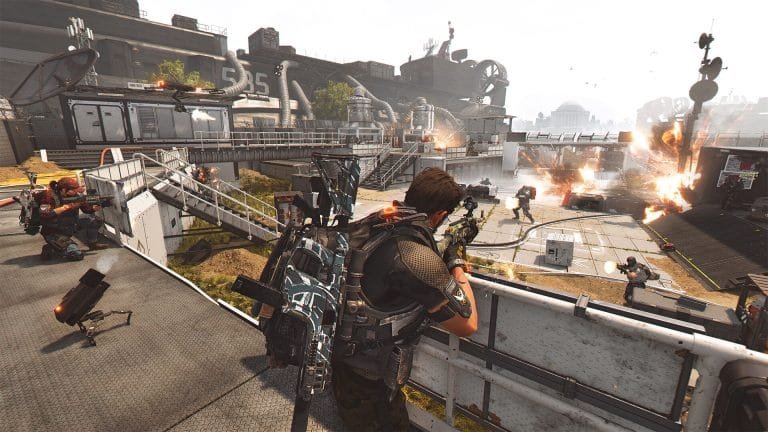
The Division 2 PvE Dark Zone Guide: Access, Farming and Rewards (2026)
 Guide · 1 min read
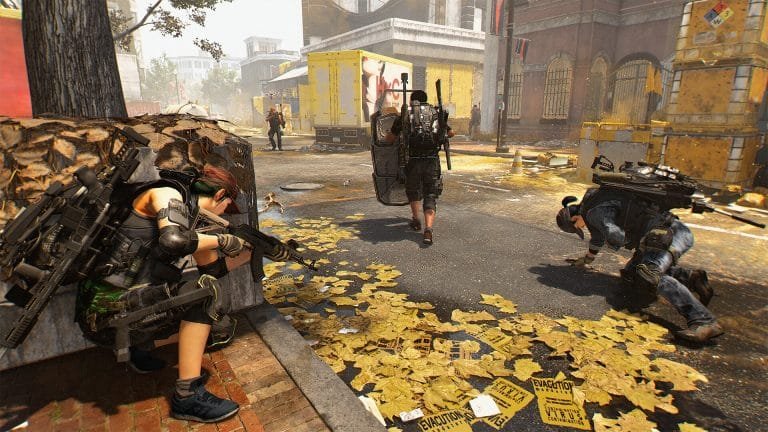
Division 2 McMillan Reservoir Assault Walkthrough (2026)
 Guide · 1 min read
Best Specialization to Run in The Division 2 Season 2 (2026)
 Guide · 1 min read
First 3 Shop Purchases Worth Making in Division 2 (2026)
Answered. — The Division 2 boosting FAQ
Questions specific to The Division 2. Anything else — live chat or Discord, we answer 24/7.
01
What is the estimated completion time (ETA)?
Every service has a live ETA configured at checkout from your exact selections. Most The Division 2 orders are picked up within 15 minutes and run continuously; larger ones are split across sessions so progress never stalls. Track it in real time from your account dashboard.
02
Is my account safe during execution?
Orders are played by hand — no bots, no scripts, no exploits — from a connection matched to the region your account plays in. Where an order needs your login, the credentials move through a private channel, are used for that order only, and the session ends when the work does. Where it does not, we never ask for them.
03
Can I keep using my account during the order?
Yes. We only need the account during the windows agreed with your assigned pro — outside those it is entirely yours, and you can ask for it back at any point.
04
How does the payment escrow work?
Your funds are locked in escrow the moment you check out. The assigned pro is only paid after you verify the delivered result and manually authorise the release — full financial safety on every order.
05
What if something goes wrong — do you redeliver?
If a result falls short of what you configured, we re-run it at no extra cost. If we cannot deliver what was promised at all, you get your money back. Your funds stay in escrow the whole time and are released only when you confirm the result.
06
Do you match my region and server?
Yes. Every The Division 2 order runs on a connection matched to the region your account plays in, rather than from wherever a booster happens to sit.
07
What do you need from me to start?
Only what the service asks for at checkout — usually your platform, in-game handle, and the account access or lobby invite your assigned pro needs. Your manager confirms everything on live chat before anything begins.
08
How is the order delivered?
It depends on the service: rank and level boosts and farming are hand-played on your account or via an in-game hand-off; currency and items are delivered in-game. You get progress updates throughout and confirm the result before escrow releases.
09
Is boosting bannable?
There is always some risk, and anyone who tells you there is none is selling. What we control is how the work is done: manual play by real people, no bots, no scripts, no exploits, on connections matched to your region. We have run this way across 50+ games since 2016.
10
What payment methods do you accept?
Card, Apple Pay, Google Pay, PayPal and crypto through secure checkout, plus direct PayPal with a manager on live chat. Funds stay in escrow until you approve the delivered result.
The Division 2 boosting — services & prices
| Service | From (USD) | Delivery |
|---|---|---|
| The Division 2 — Tactical Assessments | from$2.29 | — |
| The Division 2 — Exotic Weapons | from$9.99 | — |
| The Division 2 — Attributes Upgrade | from$19.99 | — |
| The Division 2 — Exotic Components Farming | from$19.99 | — |
| The Division 2 — Keener'S Watch Leveling | from$19.99 | — |
| The Division 2 — SHD Leveling | from$23.99 | 14 – 18 hours |
| The Division 2 — Builds Farming | from$39.99 | — |
| The Division 2 — Expertise Leveling | from$53.99 | — |
| The Division 2 — Bundles | from$99.99 | — |
Starting prices — the final total depends on your current progress and the options you pick, set in the configurator on each service page. Every run is manual and account-safe.